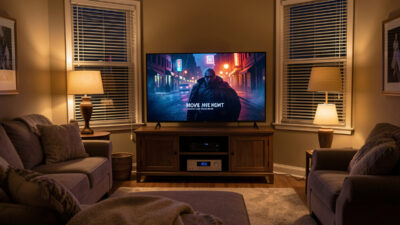
Home Theater Smart Home Automation: One-Tap Cinema
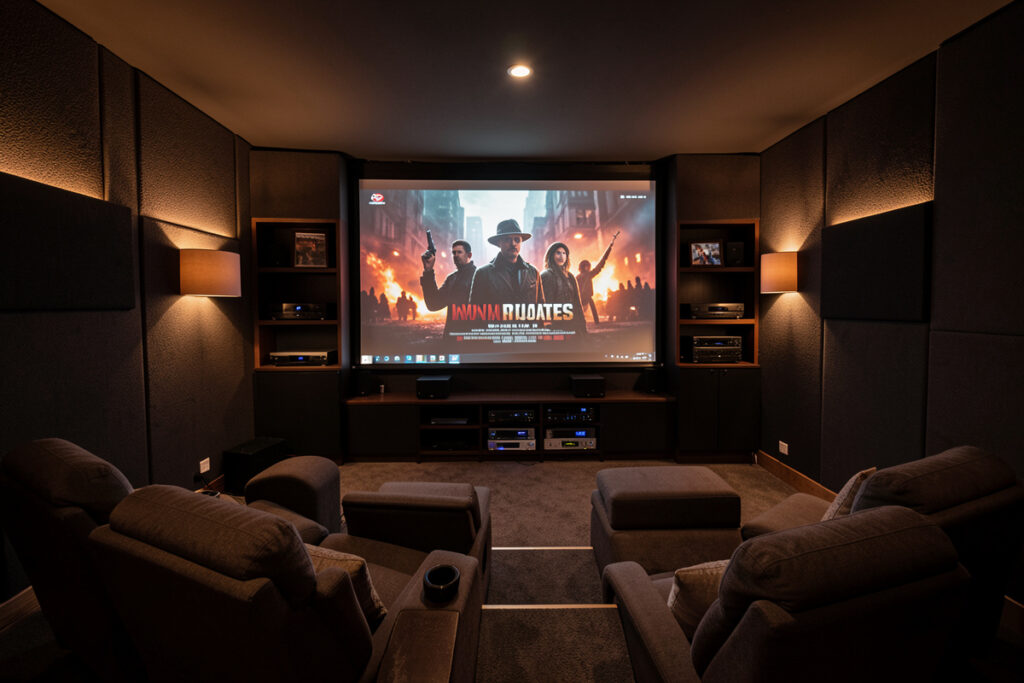
Home theater smart home automation means the whole room behaves as one system: a single “movie” trigger powers the projector or TV, switches the AV receiver to the right input, drops a motorized screen, dims the lights to a warm low, lowers the blinds, and sets the volume ceiling. In my setup that entire sequence runs locally from one button in about a second — no remote, no app-hopping. The receiver, the display, and the lights all answer to the same hub.
A home theater is the single best room to automate because it has the most moving parts and the most friction without it. Getting a film started the old way means four or five remotes and a walk to the light switch. Done right, it’s one press. This guide covers the components, how each one integrates with a local-first hub, and the scenes that make a dedicated theater feel effortless.
What makes a home theater “smart”
A smart home theater isn’t about a smarter TV — it’s about coordination. The win is that the display, the audio, the lighting, and the room itself (screen, blinds, even climate) act together instead of as separate devices you operate one at a time. The measure of success is simple: can one trigger take the room from “lights on, everything off” to “film playing, room set” without you touching a second control? If yes, it’s smart; if you’re still reaching for a light switch, it isn’t.
That coordination lives on the hub, the same brain that runs the rest of the house. And the same rule applies here as everywhere on this site: local control wins. A theater scene that routes commands through the cloud lags and breaks during an outage; one built on local control fires instantly and reliably, every time, which is exactly the foundation behind my TV and streaming scenes.
The components and how they integrate
Here’s how the main pieces of a home theater connect to a hub, and how much local control each typically offers. The pattern is the same throughout: networked devices integrate cleanly and report state, while older or simpler gear gets reached through HDMI-CEC or an IR blaster.
| Component | Role | Smart integration |
|---|---|---|
| AV receiver | Audio switching and amplification | Network control (Denon/Marantz, Onkyo); HEOS tie-in |
| Projector / TV | The display | Network control or HDMI-CEC; IR for older units |
| Motorized screen | Drops for movies, hides otherwise | Relay or dedicated controller via the hub |
| Lighting | Dim, warm, bias light | Smart bulbs or in-wall relays on the hub |
| Blinds / shades | Block ambient light | Motorized smart blinds on the hub |
| Streamer / source | The content | Network control, reports playback state |
The AV receiver is the hub of the audio
In a real home theater the AV receiver does the heavy lifting for sound — switching sources, decoding surround, and driving the speakers — and the good news is most modern receivers expose network control. Denon and Marantz receivers (and their HEOS layer) integrate cleanly with a hub, as do many Onkyo and Pioneer models, so your scene can power the receiver, select the input, and set a volume ceiling without an IR blaster in sight. That network control is what lets “movie night” switch from the TV’s casual speakers to the full surround setup as part of the same one-tap sequence.
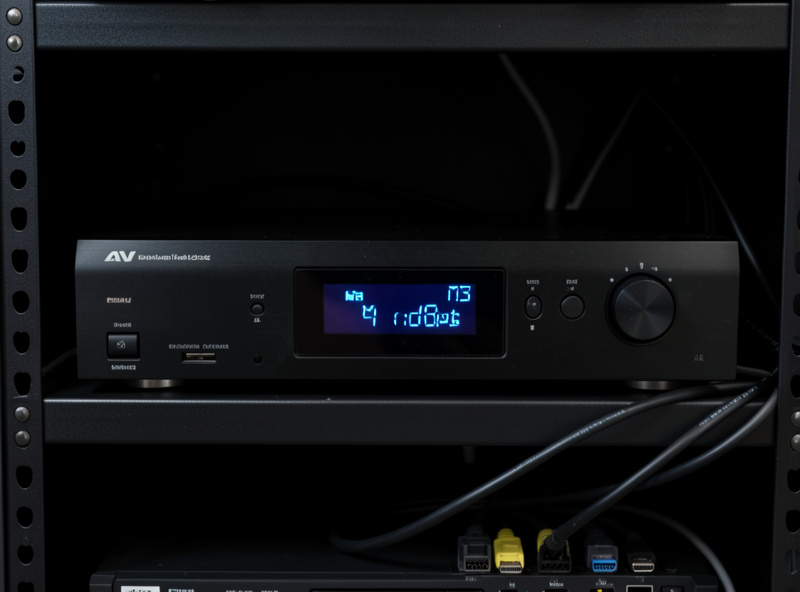
If you also run multiroom music, a HEOS-capable receiver is a natural fit because it ties the theater into the same audio ecosystem as the rest of the house — a point I expand on in the multiroom audio guide. For older receivers with no network control, an IR blaster bridges the gap exactly as it does for any legacy AV device, the approach I cover in universal remote alternatives.
Lighting is half the experience
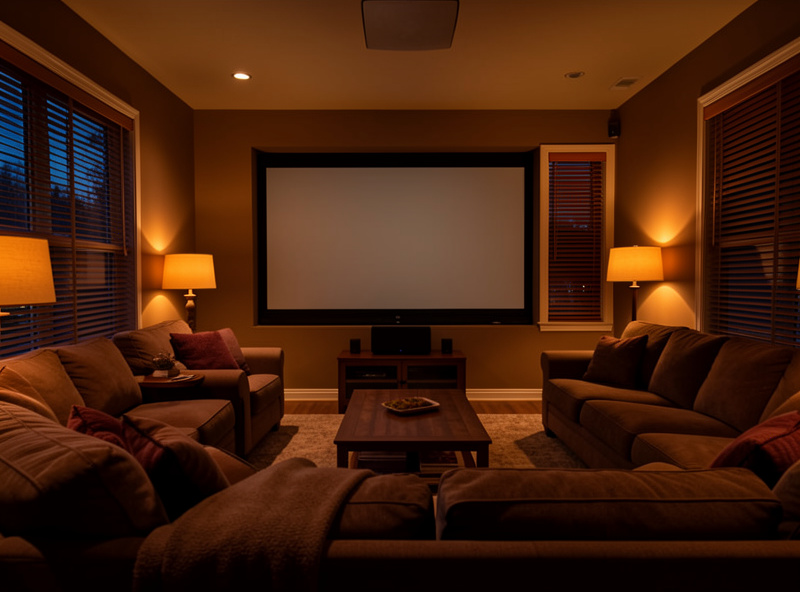
People underestimate how much of a theater’s feel comes from light. A great movie scene isn’t just “TV on” — it’s the lamps dropping to a warm, low level, the blinds closing against evening glare, and ideally a bias light behind the screen that reduces eye strain and makes the picture pop. All of that is just smart lighting and shades on the same hub, recalled as part of the scene. It’s the cheapest upgrade to the experience and the one guests notice first.
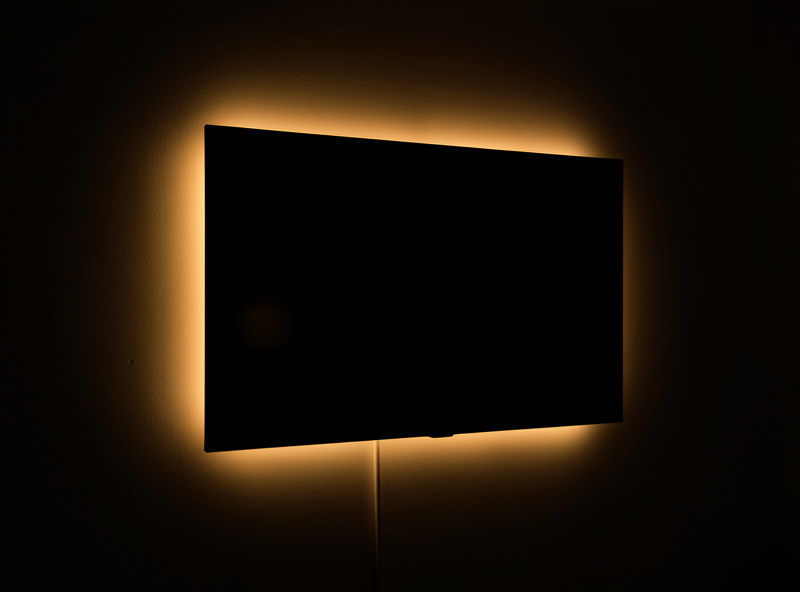
Bias lighting behind the screen is the detail worth singling out. A warm, dim LED strip behind the display gives your eyes a reference point in a dark room, which cuts fatigue during long films and makes blacks look deeper. Wire it into the movie scene so it comes on with the projector and off with the lights, and tune the rest of the room’s smart lights and smart blinds to the same trigger. Get the light right and a modest setup feels like a proper cinema.
The scenes that run a theater
A handful of scenes cover almost everything a theater needs. Movie night is the full sequence — display on, screen down, receiver to surround, lights warm and low, blinds closed, volume ceiling set. Intermission raises the lights to a comfortable level when the streamer reports a pause and dims them again on play, using the playback state local control provides. Game mode switches the receiver and display to the console input with a brighter, cooler light. And everything off powers the whole stack down, restores the room, and stops any music elsewhere in the house.
Each fires from a button, the dashboard, voice, or automatically — a presence sensor that knows the room is occupied can even start the bias light and warm the lighting as you walk in. That presence layer wants proper sensors rather than motion guesses, the distinction I cover in the smart home sensors guide, and the whole thing assumes a clean network underneath, which is why a solid mesh WiFi and a segmented IoT network matter even in a single room full of streaming gear.
Where the high-end installs go further
It’s worth being honest about the ceiling of the DIY local-first approach. Dedicated luxury theaters and large custom installs often run on professional control systems — Lutron for lighting and shades, and integrators building the whole room on platforms like Control4 or commercial automation — with professional calibration and commissioning behind them. That’s a different world from a hub and a blaster, and it’s what high-end installers do rather than something I run on my own bench.
For the vast majority of home theaters, though, the local-first hub approach here delivers the same one-tap experience for a fraction of the cost, and it keeps you free of any single vendor’s ecosystem. You give up the professional calibration and the polish of a commissioned system; you keep your money, your local control, and the freedom to change anything later. For most people that’s the better trade.
Frequently Asked Questions
What is home theater smart home automation?
It means the whole theater behaves as one system. A single trigger powers the display, switches the AV receiver input, drops a motorized screen, dims the lights, lowers the blinds, and sets the volume. Instead of operating five devices separately, you press one button or say one phrase and the room sets itself.
Can I automate my AV receiver?
Yes. Most modern receivers from Denon, Marantz, Onkyo, and Pioneer expose network control, so a hub can power them, select inputs, and set volume as part of a scene. Older receivers with no network control can be reached with an IR blaster, exactly like any legacy AV device.
Do I need a hub for a smart home theater?
You need something to coordinate the devices, and a local hub like Home Assistant is the best choice because it ties the display, receiver, lights, screen, and blinds into one scene that works during an outage. Without a hub you have several smart devices operated separately rather than a coordinated theater.
What is bias lighting and is it worth it?
Bias lighting is a warm, dim LED strip behind the screen that gives your eyes a reference in a dark room. It reduces eye strain during long films and makes blacks look deeper. Wired into the movie scene so it comes on with the display, it is one of the cheapest upgrades to the viewing experience.
Can a scene dim the lights when I pause a film?
Yes, if the streamer reports playback state to the hub, which local control provides. An intermission automation raises the lights when the player pauses and dims them again on play. It is one of the most appreciated theater automations because it removes a real annoyance with no extra hardware.
Is a DIY smart theater as good as a professional install?
For the one-tap experience, yes, and at a fraction of the cost. Professional installs add calibration, polish, and platforms like Lutron or Control4, which luxury theaters benefit from. But a local-first hub delivers the core coordination, keeps you free of any single vendor, and lets you change things later yourself.
Related Articles
- Smart Home Audio Guide — the whole-home audio and entertainment hub
- TV and Streaming Automation Scenes — building the scenes
- Best Multiroom Audio System 2026 — tying in whole-home audio
- Universal Remote Alternatives — controlling legacy AV gear
- Smart Blinds Guide — blocking ambient light