Smart Speakers for Whole-Home Music: Best Picks by Room
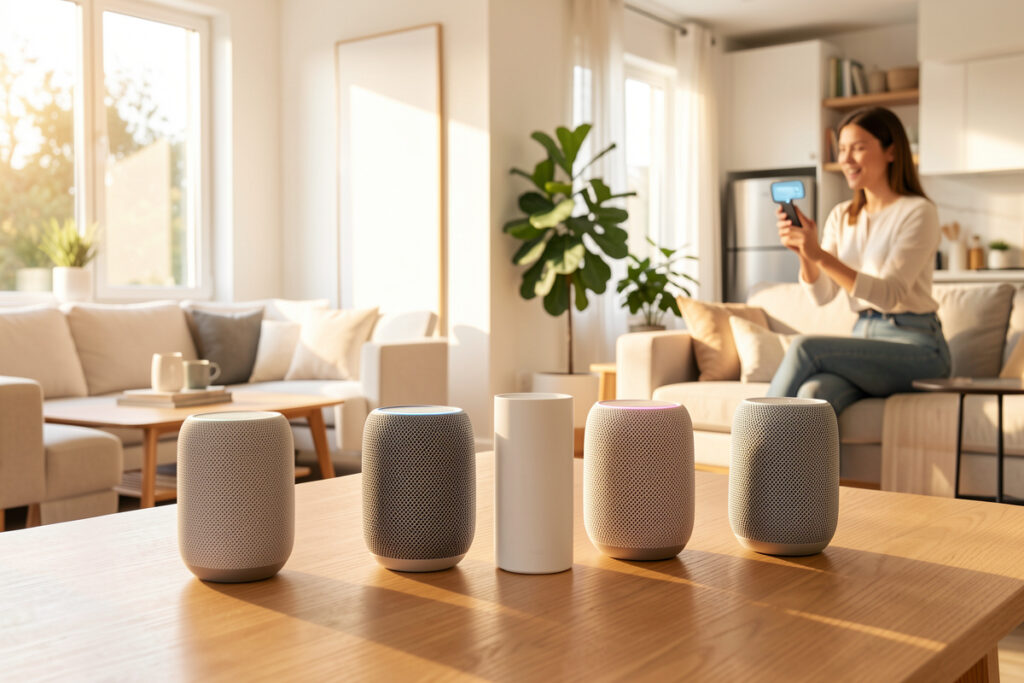
The best smart speaker for whole-home music depends on which job you’re asking it to do. For genuine multiroom sync and sound, Sonos voice-enabled speakers and Apple’s HomePod lead; for cheap hands-free coverage in kitchens and bathrooms, an Echo Dot or Nest Mini at roughly $30-50 is all you need. In my setup the voice speakers are scattered as input devices, never as the backbone of the music — and that distinction is the one most buying guides get wrong.
A smart speaker is a microphone that happens to make sound. That’s not an insult; it’s the design brief. Treat it as a hands-free way to poke your audio system and a perfectly good kitchen radio, and you’ll be happy. Treat it as the centerpiece of whole-home listening and you’ll wonder why the room you actually sit in sounds thin. This guide sorts which speakers are worth it for which room, and how to keep them from becoming load-bearing.
What smart speakers are actually for
In a whole-home setup, smart speakers do two useful things: they take voice commands hands-free, and they fill secondary rooms with background music where nobody’s evaluating fidelity. Both are real value. What they shouldn’t do is sit in the critical path of your automations — because the moment a cloud-only voice device is the only way to start your evening routine, an outage leaves you tapping at a dead speaker.
That’s why mine are input-only. The automation behind “play kitchen radio” runs on my local hub whether the cloud answers or not; the speaker is just one convenient way to trigger it. If you keep that mental model — voice as a poke, the hub as the brain — smart speakers become genuinely useful instead of a liability. The deeper assistant trade-offs are in Alexa vs Google Home and the full ecosystem comparison.
Smart speakers compared for music
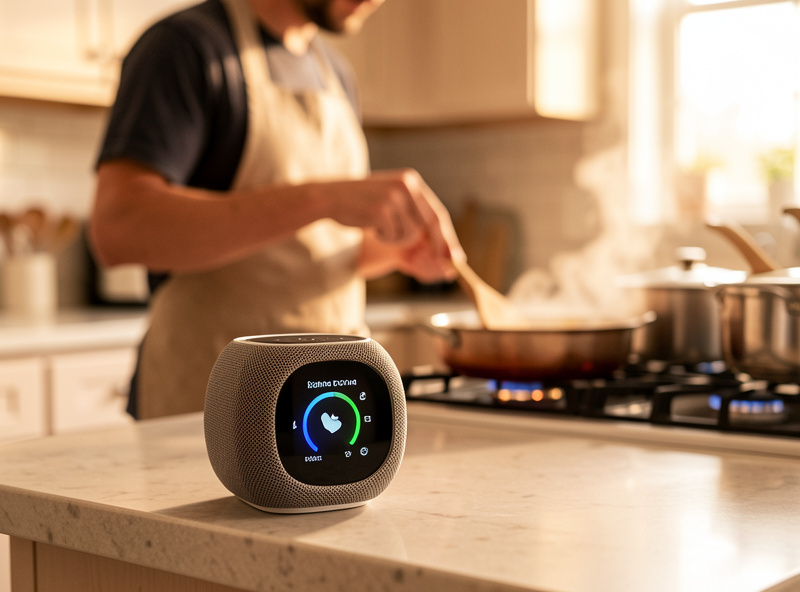
Here’s how the main options stack up specifically for whole-home music, weighing sound, multiroom sync, and how much local control each gives a hub. Assistant preference is personal; the audio behavior is not.
| Speaker | Sound for music | Multiroom | Best room |
|---|---|---|---|
| Echo Dot | Basic, fine for background | Echo groups | Bathroom, hallway |
| Nest Mini | Basic, clear voice | Cast groups | Kitchen, office |
| Amazon Echo | Decent, room-filling | Echo groups | Bedroom, kitchen |
| Nest Audio | Good for the size | Cast groups | Living room (casual) |
| HomePod mini | Very good for size | AirPlay 2, tight | Apple households |
| Sonos (voice) | Best in class | Sonos, excellent | Main listening rooms |
Match the speaker to the room
The right buy is a per-room decision, not a single brand for the whole house. Bathrooms, hallways, and laundry rooms need music to simply be present — an Echo Dot or Nest Mini is plenty and you won’t notice the difference for podcasts and background tracks. Kitchens benefit from a slightly bigger unit because there’s distance and noise to compete with; this is also where a hands-free assistant earns its keep with timers and lists, which I cover in the best smart speaker for the kitchen guide.
Living rooms and bedrooms are where it gets tempting to overspend. If you want voice and real sound in those rooms, a Sonos voice speaker or a stereo pair of HomePods delivers both. But if you already have proper speakers there, don’t replace them with a smart speaker — add a cheap voice unit nearby for commands and keep the good speakers for the actual listening. That split is the whole point.
The multiroom sync catch
Smart speakers only sync within their own family. Echo speakers group with Echo speakers, Cast devices with Cast devices, AirPlay 2 with AirPlay 2. Mix brands across a group and you’ll hear them drift out of step walking between rooms. So if whole-home synced music matters to you — the same track everywhere, in time — pick one voice ecosystem and stay in it, or front the whole thing with a hub that can target them as media_player entities.
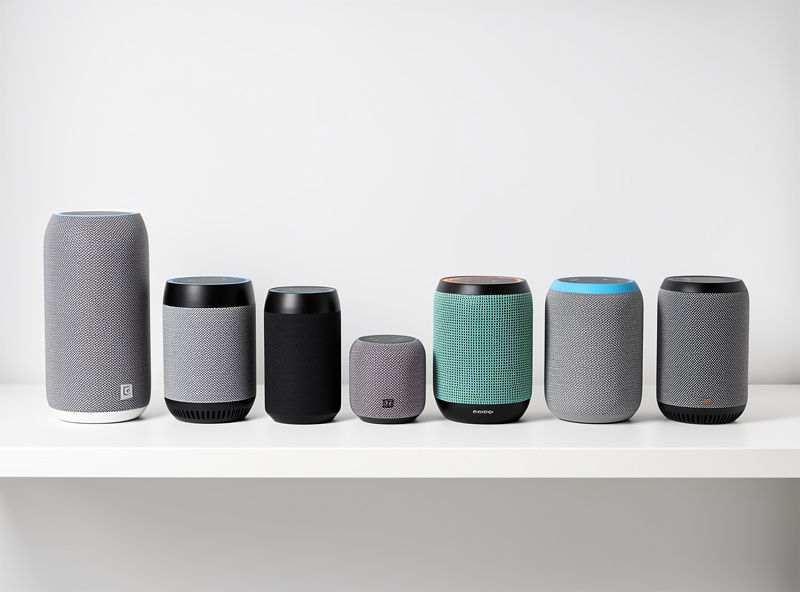
This is exactly where smart speakers and a proper multiroom audio system part ways. A houseful of Echo Dots gives you cheap, brand-locked grouping; a real multiroom platform or a self-hosted setup gives you sample-accurate sync across mixed hardware. For most people the honest path is cheap voice units in the minor rooms and a streamer-driven zone in the rooms that matter — and the Sonos alternatives comparison covers where that line falls.
Smart displays as music endpoints
A smart display — an Echo Show or Nest Hub — is a smart speaker with a screen bolted on, and for music it behaves the same way as its speaker siblings, just with album art and a touch transport. The screen earns its place in a kitchen or on a nightstand where you’ll glance at it, and a wall-mounted one doubles as a house dashboard. For music alone it’s overkill, but if you want one device that handles voice, a glanceable now-playing screen, and a control surface for the rest of the house, a display pulls triple duty.
The sound is still smart-speaker grade, so the room rules above don’t change: a display is fine for casual background listening and great as a control point, but it’s not the speaker for the room you actually sit in. I compare the screens themselves in the best smart display guide and the popular pair head-to-head in Echo Show vs Nest Hub, and a dedicated wall-mounted tablet is the better route if dashboarding is the real goal.
Keeping voice speakers off the critical path
Two habits keep smart speakers useful without making them a single point of failure. First, put them on a segmented network — these are chatty cloud devices and they don’t belong on the same flat network as your laptops, a point I make in the smart home VLAN setup. Second, never let a voice command be the only trigger for an automation; back every voice routine with a sensor, a schedule, or a dashboard button so the house still works when the microphone doesn’t. Build it that way and a dead speaker is a minor annoyance, not a broken evening.
As an Amazon Associate I earn from qualifying purchases.
For minor rooms a small unit like an Echo Dot or Nest Mini covers hands-free voice cheaply; for a room where you also want real sound, a HomePod mini punches above its size.
Frequently Asked Questions
What is the best smart speaker for whole-home music?
For real sound and tight multiroom sync, Sonos voice speakers and Apple HomePods lead. For cheap hands-free coverage in secondary rooms, an Echo Dot or Nest Mini is all you need. The best approach is matching the speaker to the room rather than buying one brand for the whole house.
Can smart speakers play music in sync across rooms?
Only within the same ecosystem. Echo speakers sync with Echo, Cast with Cast, and AirPlay 2 with AirPlay 2. Mixing brands in one group causes audible drift. For synced music across mixed hardware, use a multiroom platform or front the speakers with a local hub that targets them as media players.
Are smart speakers good enough for a living room?
For casual listening, a Nest Audio or Amazon Echo is fine. For a room where you actually sit and listen, a Sonos voice speaker or a stereo HomePod pair delivers both voice and real sound. If you already own good speakers, keep them and add a cheap voice unit nearby rather than replacing them.
Do smart speakers need the internet to play music?
For voice control and streaming services, yes, the cloud is involved. But you should never make a voice speaker the only way to trigger an automation. Back every voice routine with a sensor, schedule, or dashboard button so the house keeps working during an outage even if the microphone does not respond.
Which smart speaker is best for the kitchen?
A mid-size unit like an Amazon Echo or Nest Audio works best in a kitchen because it has to compete with distance and noise, and the hands-free assistant is genuinely useful for timers and lists while cooking. A smaller Dot or Mini works too if the kitchen is compact.
Related Articles
- Smart Home Audio Guide — the whole-home audio hub
- Best Multiroom Audio System 2026 — proper synced multiroom
- Alexa vs Google Home — picking your assistant
- Best Smart Speaker for the Kitchen — the cooking companion
- Best Smart Home Ecosystem — Alexa vs Google vs Apple