Universal Remote Alternatives: The Smart Home Way
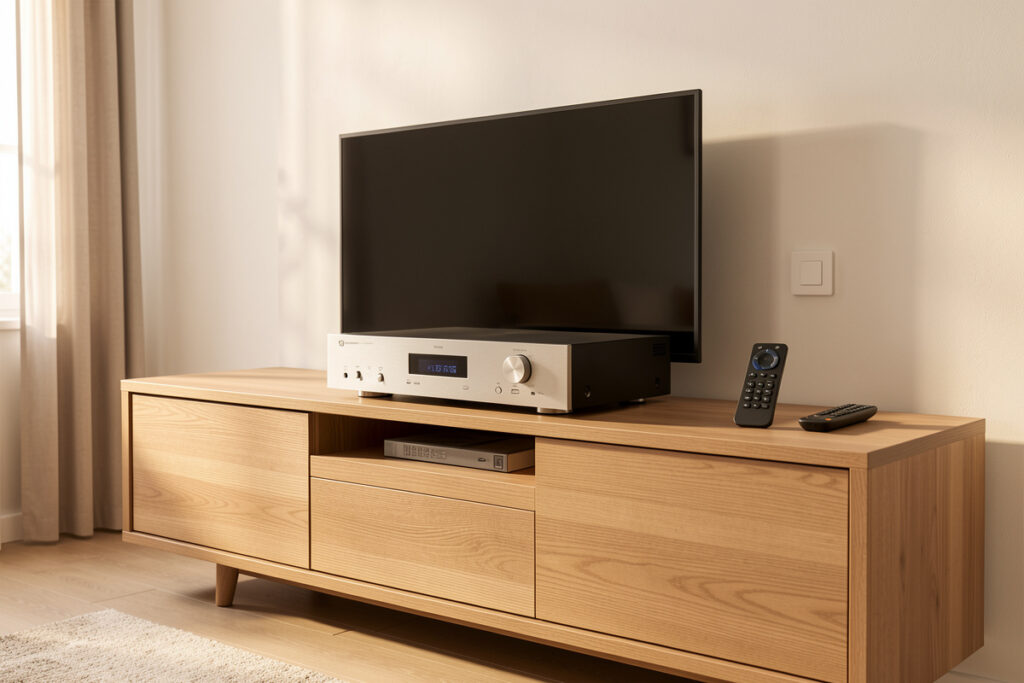
The best universal remote alternative in 2026 isn’t another remote — it’s a smart home hub running scenes, with an IR blaster to reach any old infrared gear. Since Logitech killed the Harmony line, the honest replacement is a setup where a button, your voice, or a dashboard fires a scene that controls everything at once. In my house the remotes live in a drawer; the hub does the coordinating, and it reaches even the dumb IR-only devices through an IR blaster that runs about $20-40.
People come to this question because their Harmony died, or because they’re tired of a coffee table covered in remotes. The good news is the smart-home answer is better than the thing it replaces: it controls more devices, triggers more ways, and doesn’t depend on one company keeping a product alive. The catch is it’s a small project rather than a single purchase. Here’s how the alternatives compare and which one fits.
Why universal remotes are a dead end
A universal remote is a single-purpose device that talks to AV gear and nothing else. That’s its ceiling. It can’t dim your lights, lower your blinds, read whether the streamer is paused, or fire automatically when you sit down — because those things aren’t AV devices and a remote has no concept of them. The Harmony line was the best of the breed, and Logitech discontinuing it left a lot of people stranded on hardware with no future.
The replacement isn’t a like-for-like remote; it’s a shift in approach. Instead of one device sending IR codes, you let your hub coordinate the room and give yourself several ways to trigger it. That’s strictly more capable, and it’s the same logic behind every TV and streaming scene I build — the remote was never the goal, controlling the room was.
The alternatives compared
Here’s how the realistic options stack up. Most people land on a combination — a hub for scenes plus an IR blaster for legacy gear — rather than a single one of these.
| Approach | How it works | Local control | Best for |
|---|---|---|---|
| Hub scenes | Hub coordinates all devices, fired by button/voice/sensor | Full | The core of any setup |
| IR blaster + hub | Hub sends IR codes to legacy AV gear | Full (local blaster) | Reaching old infrared devices |
| Standalone universal remote | A modern Harmony-style remote (e.g. SofaBaton) | Device-only | People who want a physical remote, no hub |
| Phone/tablet dashboard | On-screen buttons and scenes | Full | Guests and wall-mounted control |
| Voice control | Spoken commands trigger scenes | Hub-dependent | Hands-free, as a secondary trigger |
| Stream-box remote app | App for Apple TV, Fire, etc. | Local on LAN | Controlling one streamer only |
The setup I actually recommend
For most people the winning combination is a hub running scenes plus an IR blaster for anything that only speaks infrared. The hub handles the modern devices over the network — Android TV, smart TVs with local control, the receiver — and the blaster covers the older amplifier or the disc player that has no network control at all. Together they reach everything a Harmony could, plus all the lights, shades, and sensors a Harmony never could.
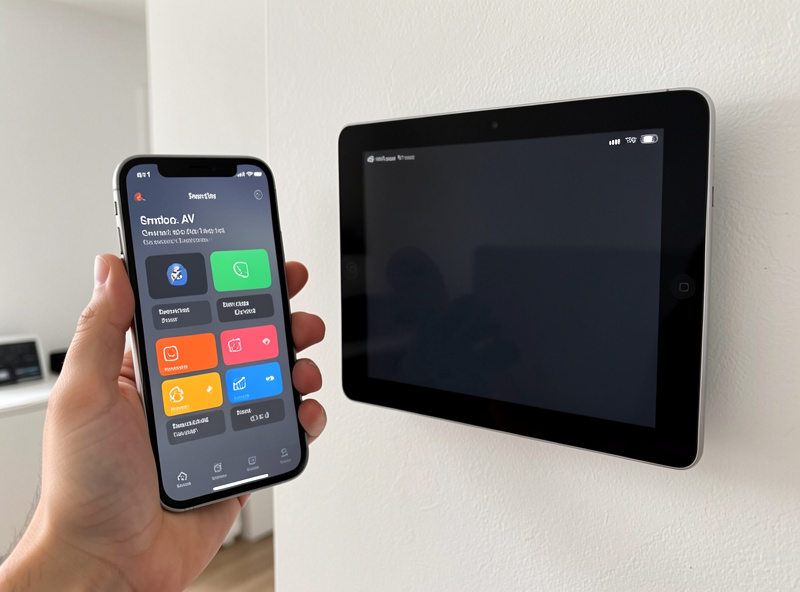
Triggering is where this beats a remote outright. I run a small physical button by the couch for the deliberate press, a phone or wall tablet dashboard for guests who don’t know the system, voice for when my hands are full, and automatic triggers tied to presence and time. The button matters more than people expect — a guest or a tired evening doesn’t want to find the right app, and one labeled press is faster than any remote menu. This is the same multi-trigger pattern from my automation guide.
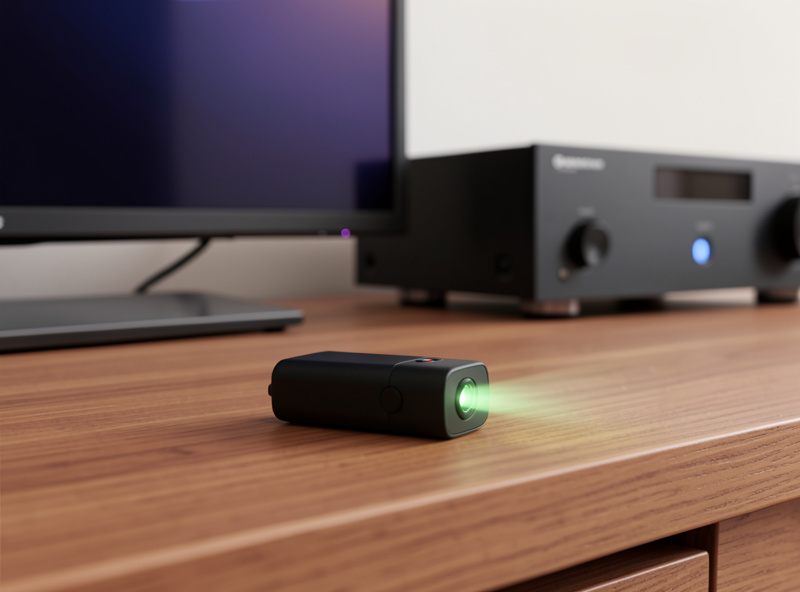
Reaching legacy gear: IR blasters explained
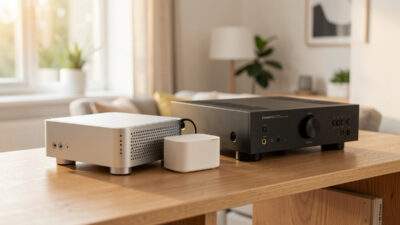
The one thing a hub can’t do out of the box is talk to old infrared-only devices — the amplifier from a decade ago, a disc player, a dumb soundbar. That’s what an IR blaster solves. It’s a small network-connected device that sits in line of sight of your AV gear and fires the same infrared codes the original remote did, except now your hub is the one telling it when. A blaster turns “the hub can’t control my old receiver” into “the hub controls everything,” which is the whole point of replacing a universal remote.
Setting one up is mostly a matter of teaching it the codes. Most blasters either ship with a database of common device codes or let you “learn” a button by pointing the original remote at them once — you press power on the old remote, the blaster records that pulse, and from then on the hub can send it. The two practical gotchas are line of sight and placement: infrared needs a clear path to the device’s sensor, so a blaster hidden inside a cabinet won’t reach a TV across the room. I mount mine where it can see the whole AV stack, and for gear in different directions you sometimes need a blaster with multiple emitter leads. Once it’s working, those legacy devices become first-class citizens in a scene alongside the modern networked ones.
It’s worth being honest about IR’s limits, too. Infrared is one-way — the blaster sends commands but gets no confirmation back, so the hub can’t know whether the old amp actually turned on. For devices that matter, that’s an argument for replacing them over time with networked gear the hub can read state from, the way the rest of a local-first setup reports back. But as a bridge to keep working gear in service, a blaster is exactly the right tool and costs very little.
Migrating off a dead Harmony
If you’re here because your Harmony stopped working or you’re worried it will, the migration is more straightforward than it looks. Start by listing what your Harmony actually controlled and how — which devices, and whether each was reached by IR or over the network. That list is your shopping list: networked devices move straight onto the hub, and anything that was IR gets handled by a blaster.
Then rebuild your Harmony “activities” as hub scenes. A Harmony activity like “Watch a Movie” mapped to a sequence of device commands; a hub scene does the same thing but adds the lights, shades, and presence the Harmony couldn’t touch. Recreate each activity you actually used — usually there are only three or four real ones, like watch TV, movie night, and everything off — and wire each to a button, a dashboard tile, and optionally voice. Most people find they had a pile of Harmony activities they never used and only need to rebuild a handful.
The migration also future-proofs you in a way the Harmony never could: nothing here depends on one manufacturer keeping a cloud service alive. A hub you control, a local blaster, and scenes you wrote will keep working regardless of any company’s product decisions — which is the entire reason the Harmony shutdown stung in the first place. Build it on local control and you never get stranded like that again.
If you really want a physical remote with no hub
Not everyone wants to run a hub, and that’s fair. If you want a single physical remote to replace a dead Harmony without building a smart home, modern standalone universal remotes like the SofaBaton line are the closest like-for-like — they control multiple AV devices from one handset with activity buttons. Just know the ceiling: they’re back to being AV-only, so no lights, no shades, no automation. They solve the coffee-table clutter, not the bigger coordination problem.
My honest take is that if you’re going to set up a remote anyway, the effort of pointing a hub at the same gear isn’t much greater and the payoff is far larger. But for a pure plug-and-play physical replacement, a standalone universal remote is a legitimate answer, and there’s no shame in keeping it simple.
Don’t forget voice and dashboards as triggers
The mistake people make coming from remotes is thinking they need to pick one replacement. You don’t — the strength of the hub approach is layering triggers. Voice is excellent as a secondary way in, never the only one, because a cloud assistant outage shouldn’t leave you unable to turn on the TV. A dashboard on a wall tablet or phone is the universal fallback that always works and that anyone can use without learning your system. And a physical button is the fast, reliable everyday path. Stack all three on top of your scenes and you’ve replaced the remote with something far harder to break, which fits neatly with the broader ecosystem choices and the assistant comparison if voice is part of your plan.
What it costs to switch
The price of leaving universal remotes behind is lower than people expect, because most of the value comes from software you configure rather than hardware you buy. If you already run a hub, adding remote-replacement capability can cost nothing but an evening of setting up scenes. If you’re starting fresh, the real spend is the hub itself plus a cheap IR blaster and a button or two — and the hub does far more than remote duty, so it’s not really a remote-replacement cost at all.
Compare that to repeatedly buying into a closed remote ecosystem that can be discontinued, and the hub route is the better long-term value as well as the more capable one. Start small: get one scene working — “watch TV” is the easiest — fired from a single button, and live with it for a few days. Once that one scene proves itself, the rest follow quickly, and the remotes quietly migrate to the drawer where they belong. That incremental path is how every part of a local-first setup gets built, one working piece at a time.
Related Articles
- Smart Home Audio Guide — the whole-home audio and entertainment hub
- TV and Streaming Automation Scenes — the scenes that replace the remote
- Home Theater Smart Home Automation — the full living-room build
- Best Wall-Mounted Tablet for a Dashboard — the always-on control surface
- Smart Home Automation Ideas — more triggers and routines