Best Multiroom Audio System 2026: Every Platform Compared
The best multiroom audio system in 2026 is whichever one matches how much local control you want: Sonos for the lowest-friction set-and-forget experience, a self-hosted Music Assistant or Logitech Media Server setup for full local control with no cloud account, and WiiM plus AirPlay 2 as the budget route — roughly $150 a zone against $200-700 per Sonos room — that turns speakers you already own into grouped zones. I run the self-hosted route, and I’ll tell you exactly where each one wins and falls down.
Most “best multiroom” lists rank speakers by sound and stop there. That misses the thing you actually live with: how the zones group, whether they stay in sync, and what happens when the manufacturer’s server has a bad day. Those three behaviors decide whether a multiroom system feels like a system or like a pile of apps, and they’re what this guide is built around.
What makes a multiroom system good
Three behaviors separate a good multiroom platform from a frustrating one, and none of them show up on a spec sheet. Grouping — can you yoke the kitchen and living room together on demand and split them just as fast? Sync — do grouped zones stay sample-accurate so you don’t hear an echo walking between rooms? Local control — does it keep working, and respond instantly, when the internet is down? A platform can sound wonderful and still fail all three.
That last one is the line I judge everything by, the same way I do across my whole smart home audio setup. A speaker that needs a cloud account to start a local playlist is a speaker that goes quiet during an outage and adds a half-second of latency to every command the rest of the time. The systems below are ranked by how they actually behave on a running network, not by how they sound in a showroom.
The platforms compared
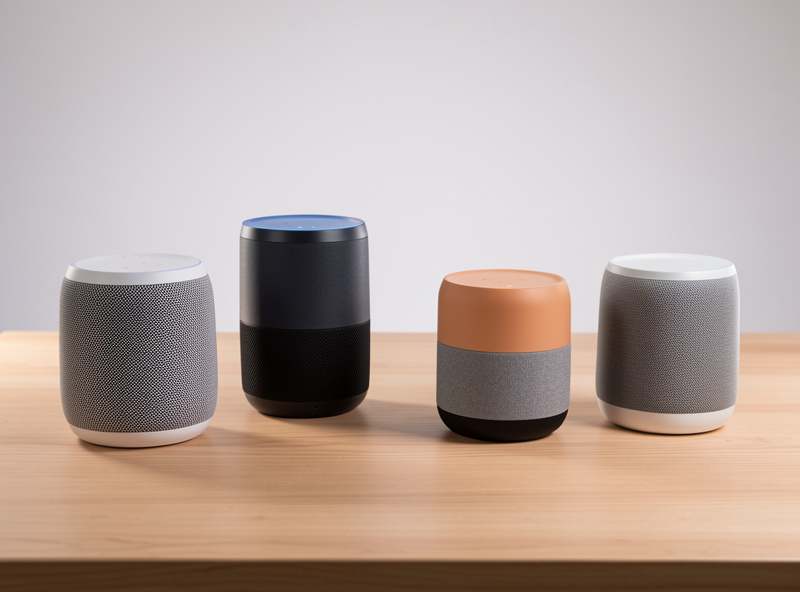
Here’s the honest comparison. I’ve weighted it toward the things that bite you a year in — grouping reliability, sync, and how much the cloud sits in the critical path — rather than first-impression sound, because every one of these sounds fine in a normal room.
| System | Local control | Cost per zone | Setup effort | Best for |
|---|---|---|---|---|
| Sonos | Partial | High | Very low | Set-and-forget reliability |
| Denon HEOS | Partial | High | Low | Homes that also want an AV receiver |
| Bluesound | Partial, hi-res | Very high | Low | Audiophiles wanting hi-res multiroom |
| WiiM + AirPlay 2 | High | Low | Medium | Budget zones on existing speakers |
| Chromecast / Google | Medium | Low | Low | Android-first households |
| Music Assistant / LMS | Full, no cloud | Low | High | Self-hosters who want zero cloud |
Sonos: the default for most people
If someone wants multiroom to just work and doesn’t care about the philosophy underneath, Sonos is the honest recommendation. Grouping is reliable, the sync is genuinely tight across a houseful of zones, and the app is the most polished in the category. It exposes enough local control that a hub can target it, so it’s not a dead end for automation either.
The catches are real, though. It’s the most expensive route per room, some features lean on Sonos’s cloud, and you’re tied to one company’s roadmap — a fact a few app overhauls have made people feel sharply. If you want the reliability and can stomach the price and the partial cloud dependency, it’s a fine choice. If those trade-offs bother you, the rest of this list exists for exactly that reason, and I dig into them in detail in the Sonos alternatives comparison.
Music Assistant and LMS: the self-hoster’s answer
This is what I actually run, and it’s where you land if local control is a conviction rather than a nice-to-have. A server — Music Assistant running alongside Home Assistant, or the community-maintained Logitech Media Server — feeds a mix of cheap streamers and players, with grouping and sample-accurate sync handled entirely on your own hardware. No account, no cloud, nothing leaves the house.
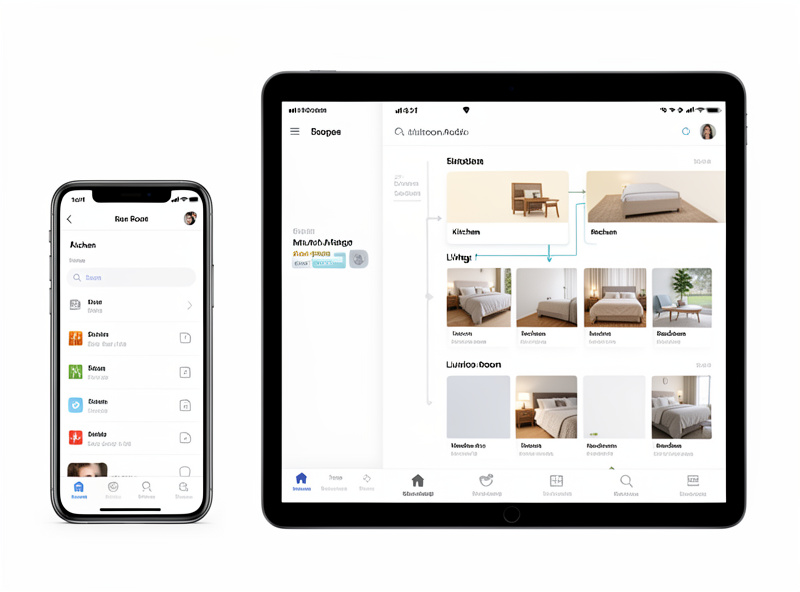
The price is setup effort. You’re running a server, learning the software, and curating players — this is not a buy-it-and-forget-it route, and I won’t pretend otherwise. But the payoff is total: the system survives outages, costs the least per zone, and folds straight into the automations on my hub. For anyone already running a local-first house, this is the route that fits, and it leans on the same foundations as the rest of the setup — a solid network and ideally a separate IoT segment so the streamers aren’t fighting laptops for airtime.
WiiM and AirPlay 2: the budget route
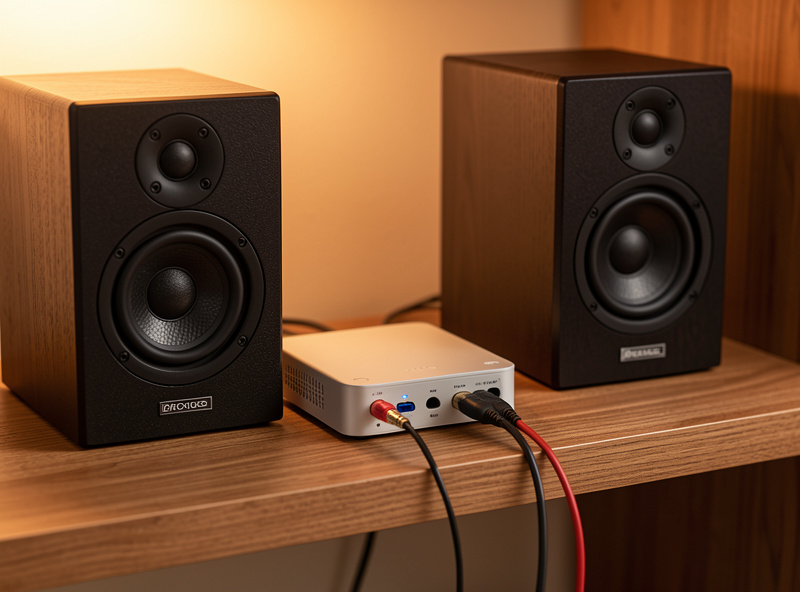
If you have decent speakers already — bookshelf pairs, an old stereo, powered monitors — you don’t need to buy a multiroom system. A WiiM-class streamer plugs into what you own, exposes it to AirPlay 2 grouping, and turns it into a hub-controllable zone for the price of a nice dinner. It’s the cheapest credible way to get real multiroom, and it stays controllable from a local hub.
AirPlay 2 grouping isn’t quite as bulletproof as Sonos under a congested network, and you’re assembling the system from parts rather than buying it whole. But for adding music to a bathroom, a workshop, or a guest room where it just needs to be present, it’s hard to beat on value. This is also the route I’d point a renter or a first-timer toward before they spend serious money. For the rooms where you actually sit and listen critically, the gear conversation goes deeper than automation — a dedicated source like HiFi Audio Source covers streamers, DACs, and amps at that level.
How to choose without overspending
The mistake I see most is buying the premium tier for every room when most rooms only need music to be present. Reserve the expensive, set-and-forget gear for the spaces where you listen — the living room, the main listening room — and use cheap streamers for the bathroom, kitchen, and workshop where nobody’s evaluating soundstage. Mixing tiers like this is how you get a whole-home system that doesn’t cost a fortune.
One more rule: decide your route before you buy the second zone, not after. Grouping and sync generally don’t cross platform boundaries, so a Sonos and a Chromecast won’t play in sync as one group. Pick ecosystem-convenient or self-hoster-local up front and stick to it within the zones you want to group. If you’re still choosing the assistant layer that sits on top, best smart home ecosystem and Alexa vs Google Home cover that decision, and smart speakers for whole-home music covers the voice-unit side.
As an Amazon Associate I earn from qualifying purchases.
If you want to start with one component, a network streamer is the most flexible first buy, and an all-in-one wireless speaker is the lowest-effort one.
Frequently Asked Questions
What is the best multiroom audio system in 2026?
It depends on how much local control you want. Sonos is best for set-and-forget reliability, a self-hosted Music Assistant or LMS setup is best for full local control with no cloud, and WiiM plus AirPlay 2 is the best budget route for existing speakers. There is no single winner for everyone.
Can I mix different multiroom brands?
Generally not within a synced group. Grouping and sample-accurate sync rarely cross platform boundaries, so a Sonos speaker and a Chromecast device will not reliably play the same track in sync. You can run different systems in different rooms, but pick one platform for any rooms you want to group together.
Do I need internet for a multiroom audio system?
For local control, no. Self-hosted systems and AirPlay or Cast grouping work on your LAN during an outage. Streaming services obviously need internet for the content itself, but the grouping, playback control, and any automations should run locally so the system does not go fully silent when the cloud is down.
Is Sonos worth the higher price?
If you value reliability and zero setup, yes. Sonos has the tightest grouping and sync and the most polished app. If you care more about local control, lower cost per zone, or avoiding cloud accounts, alternatives like WiiM with AirPlay 2 or a self-hosted setup give you most of the experience for far less money.
What is the cheapest way to get multiroom audio?
Add a WiiM-class streamer to speakers you already own and group them over AirPlay 2. This turns existing bookshelf speakers or a stereo into a hub-controllable zone for a fraction of the cost of branded multiroom speakers, and it keeps full local control.
Related Articles
- Smart Home Audio Guide — the whole-home audio and entertainment hub
- Sonos vs Alternatives for Multiroom — the detailed head-to-head
- Smart Speakers for Whole-Home Music — the voice-unit side
- Best Smart Home Ecosystem — Alexa vs Google vs Apple
- Does Smart Home Work Without Internet? — why local control matters