TV and Streaming Automation Scenes: Delete the Remote
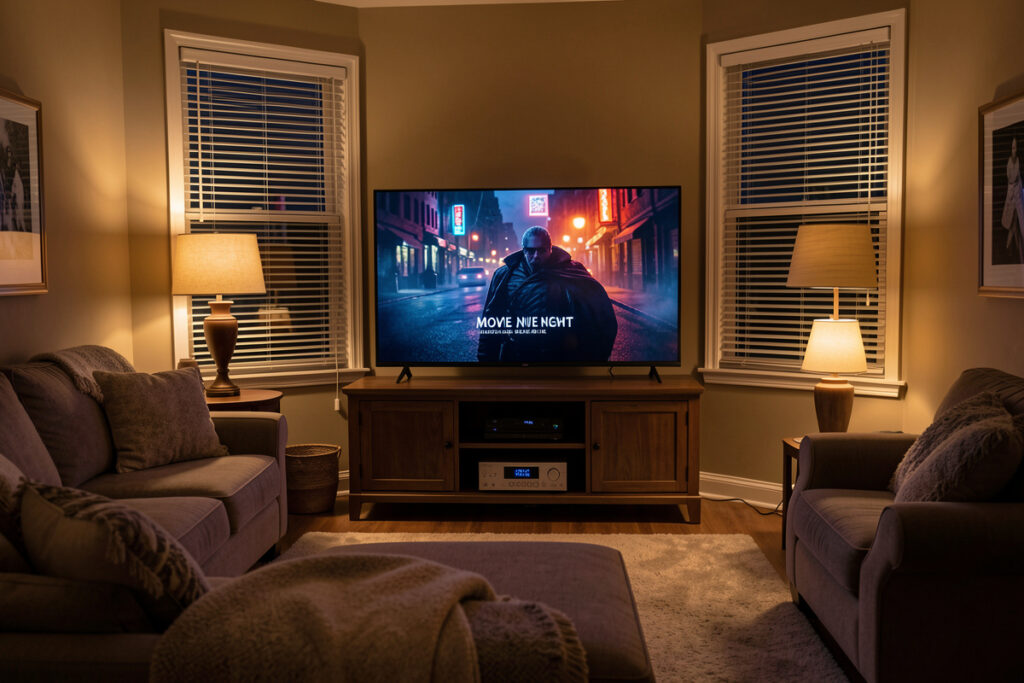
Smart TV home automation scenes replace the remote-juggling ritual — power the TV, switch the receiver input, dim the lights, drop the blinds — with a single tap or phrase. In my setup a “movie” scene does all of that in about a second from one button, because the TV and receiver are controlled locally over the network rather than through a pile of apps. The trick isn’t a fancier remote; it’s letting the hub run the sequence for you.
A scene is just a saved set of states your hub can recall on demand. The reason scenes beat universal remotes is that they coordinate things a remote never touches — lights, shades, presence — and they’re triggered by anything: a button, a voice command, a time, or a sensor. This guide walks through the scenes worth building, how to control the TV and streamer reliably, and the gotchas that make people give up.
Why scenes beat the remote
A universal remote sends commands to AV gear. A scene sets the whole room. That’s the difference that matters: “movie night” shouldn’t just turn on the TV — it should dim the lamps to a warm level, lower the blinds against evening glare, switch the receiver to the streaming input, and set the volume ceiling so a loud trailer doesn’t wake the house. No remote does that, because half those devices aren’t AV gear at all.
Because a scene lives on the hub, it’s also trigger-agnostic. The same “movie” scene fires from a wall button, a voice command, a dashboard tile, or automatically when you sit down on the couch after dark. That flexibility is why I stopped buying remotes years ago and started writing scenes, and it’s the same pattern behind every routine in my smart home automation guide.
Controlling the TV and streamer locally
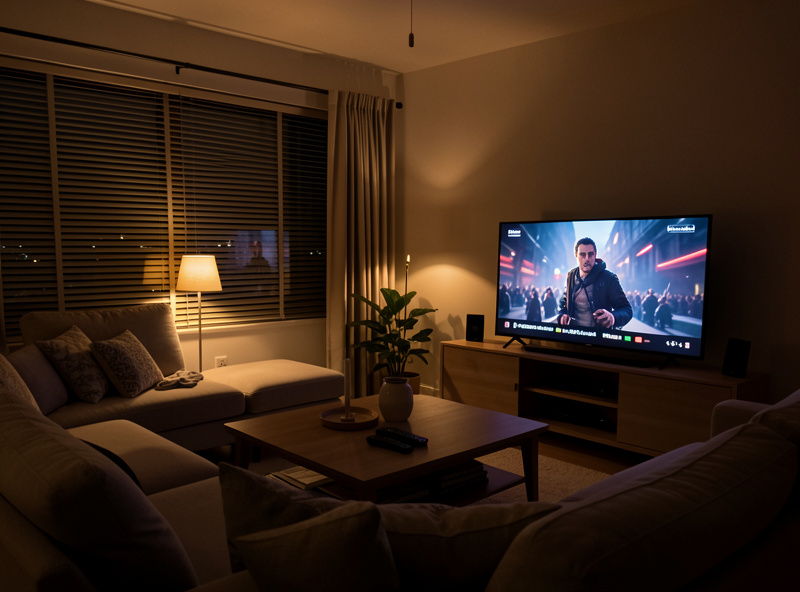
Reliable scenes need reliable control, and that means local control wherever possible. Android TV and Google TV devices integrate directly over the network, so a hub can power them, launch apps, and read playback state. Many smart TVs — LG webOS, Samsung, and others — expose a local network control protocol that does the same. For the stubborn devices that offer no network control, an IR blaster bridges the gap, and HDMI-CEC can chain power and input commands down the HDMI cable so one “on” wakes the whole stack.
The reason I push local control here is the same as everywhere else on this site: a scene that depends on a cloud round-trip is a scene that lags and fails during an outage. A locally controlled TV responds instantly and keeps working when the internet doesn’t. If your scenes feel sluggish or flaky, the cause is almost always a cloud-dependent device or a congested network, not the scene logic itself — worth checking against my network setup guide.
The scenes worth building
Not every scene earns its place. These are the ones that have survived years in my house because they remove real friction rather than just looking clever:
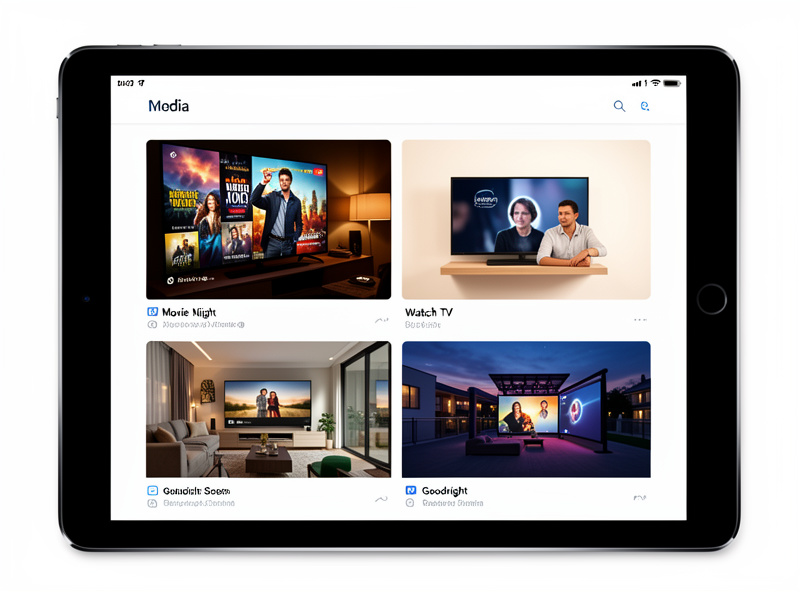
- Movie night — TV on, receiver to the streaming input, lamps to a warm dim, blinds down, volume ceiling set. One tap, whole room.
- Watch TV — a lighter version for casual viewing: TV and receiver on, lights to half, blinds untouched. The everyday default.
- Pause = lights up — when the streamer reports a pause, the lamps come up to a comfortable level so you can find the snacks, then dim again on play. This one relies on reading playback state, which only local control gives you reliably.
- Goodnight from the couch — turns the whole AV stack off, stops any music in other zones, locks the door, and sets the house to night mode. Falling asleep to the TV no longer means it runs till morning.
- Everyone left — if presence clears while the TV is on, it powers everything down. No more discovering the TV played to an empty room all afternoon.
Triggering scenes without touching a remote
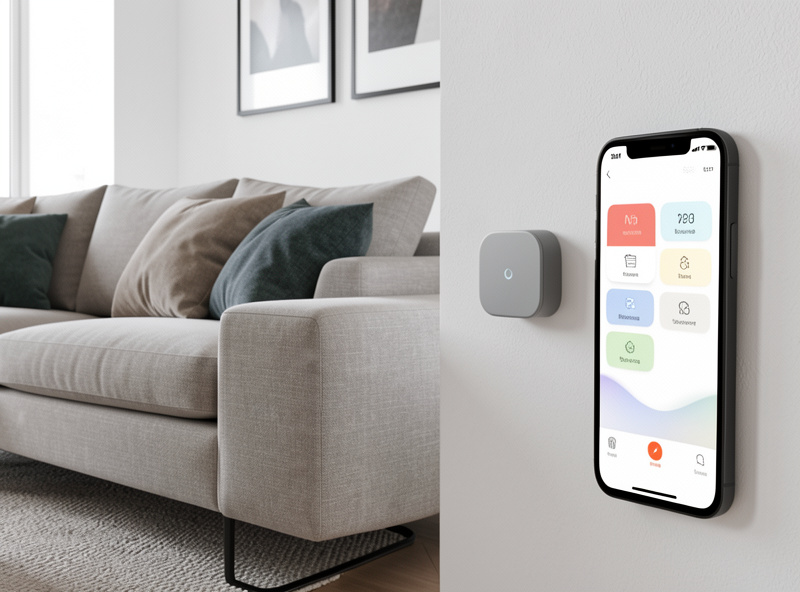
The point of a scene is to fire it however suits the moment. I run mine from a few triggers at once: a small wall button by the couch for the deliberate “movie night” press, a voice command for when my hands are full, a dashboard tile for guests, and automatic triggers tied to presence and time of day. The presence-based ones lean on proper sensors — an mmWave presence sensor knows the couch is occupied even when you’re sitting still, which a motion sensor can’t, and that’s the difference covered in my smart home sensors guide.
The lighting and shade side of these scenes is worth getting right too, because they’re what make a movie scene feel cinematic rather than just “TV on.” Warm, low light and lowered blinds do most of the mood work, and they’re easy to fold in once your smart lights and smart blinds are on the same hub — the same approach as the light and shade scenes I use elsewhere in the house.
The gotchas that make people give up
Two things trip up most first attempts. The first is HDMI-CEC inconsistency — every manufacturer brands it differently and implements it slightly differently, so a power-on chain that works perfectly on one TV does nothing on another. Test the CEC behavior of your exact gear before building a scene around it, and fall back to direct network control or an IR blaster where CEC is unreliable. The second is cloud lag: if a scene routes any command through a manufacturer’s server, that step will be the slow, flaky one. Keep every device in a scene on local control and the whole sequence snaps into place instantly.
Build it this way and the remote becomes a backup you rarely touch. That’s the real goal — not a better remote, but a room that sets itself.
Frequently Asked Questions
What is a smart TV automation scene?
A scene is a saved set of states your hub recalls on demand. A movie scene, for example, powers the TV, switches the receiver input, dims the lights, and lowers the blinds in one action. Unlike a remote, a scene coordinates non-AV devices like lights and shades and can be triggered by a button, voice, time, or sensor.
How do I control my TV from a smart home hub?
Android TV and Google TV integrate directly over the network, and many smart TVs like LG webOS and Samsung expose a local control protocol. For devices with no network control, an IR blaster bridges the gap and HDMI-CEC can chain power and input down the HDMI cable. Local control gives the fastest, most reliable scenes.
Can a scene dim the lights when I pause a movie?
Yes, if your streamer reports playback state to the hub, which local control provides reliably. You build an automation that raises the lights when the player reports a pause and dims them again on play. This is one of the most popular media scenes because it removes a real annoyance without any extra hardware.
Why are my TV scenes slow or unreliable?
Almost always because a device in the scene depends on a cloud round-trip or the network is congested. A command routed through a manufacturer’s server lags and fails during outages. Keep every device in the scene on local control and on a clean network, and the whole sequence fires instantly and consistently.
Do I still need a remote if I use scenes?
You will rarely touch one. Scenes handle the common situations, and voice or dashboard buttons cover the rest. A physical remote stays useful as a backup for fiddly menu navigation or guests, but for everyday use the room sets itself and the remote stays in the drawer.
Keep building
Scenes are the payoff of a local-first setup. Start from the smart home audio hub, then look at universal remote alternatives to understand why a scene beats another remote, build out the living room with home theater smart home automation, and tie the music in with the best multiroom audio system. For more triggers and ideas, the smart home automation ideas list is a good next stop.