Smart Home Audio Guide: Whole-Home Music & Local-First Entertainment (2026)
A smart home audio system is one rule engine that controls music in every room and the entertainment hardware in the living room, ideally with the audio decisions made on a hub in your house rather than on a manufacturer’s server. In my setup that means Home Assistant talking to a handful of media players over local APIs, so a “play kitchen radio” automation fires in well under a second and still works when the internet is down.
That last point is the whole philosophy of this site, and it changes every recommendation on this page. Most “whole-home audio” guides are really just a list of speakers to buy. This one is about the architecture underneath — how the speakers, the TV, the receiver, and the voice assistants all hang off one local hub so they behave like a system instead of five separate apps fighting for your phone’s home screen.
What “smart home audio” actually means
Smart home audio is two jobs that people lump together: multiroom music (the same track in sync across rooms, or different things in different rooms) and entertainment control (the TV, streaming boxes, and the AV receiver behaving as scenes instead of a coffee-table pile of remotes). They use different gear, but in a local-first house they answer to the same brain.
The way I think about it: a speaker that only takes orders from its own phone app is a gadget. A speaker that exposes a local media-player entity to my hub is part of the house. The difference is whether “good evening” can dim the lights, drop the blinds, and start a playlist in one automation — or whether you’re still opening three apps to do it by hand. Everything below is judged on that line.
The local-first audio stack I run
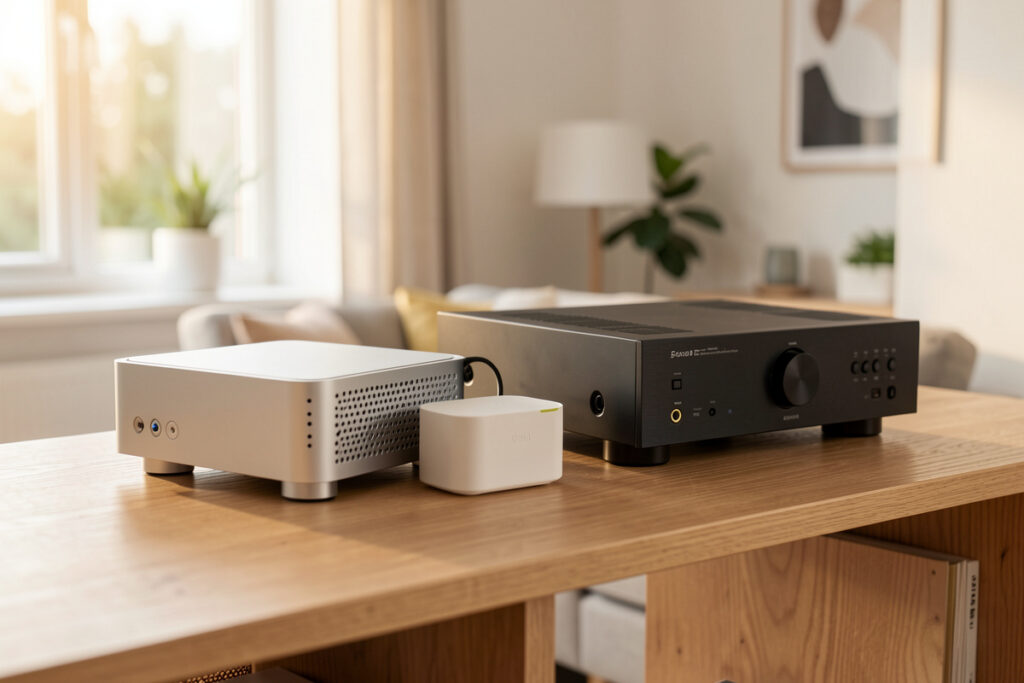
My audio lives on the same hub as everything else — a self-hosted Home Assistant install on a small N100 box, with the speakers and AV gear exposed as media_player entities. The hub doesn’t stream the audio itself; it conducts. Each speaker or zone does the actual playing, and the hub just tells it what, where, and how loud, then reads the state back so automations can react to “is anything playing in the bedroom right now.”
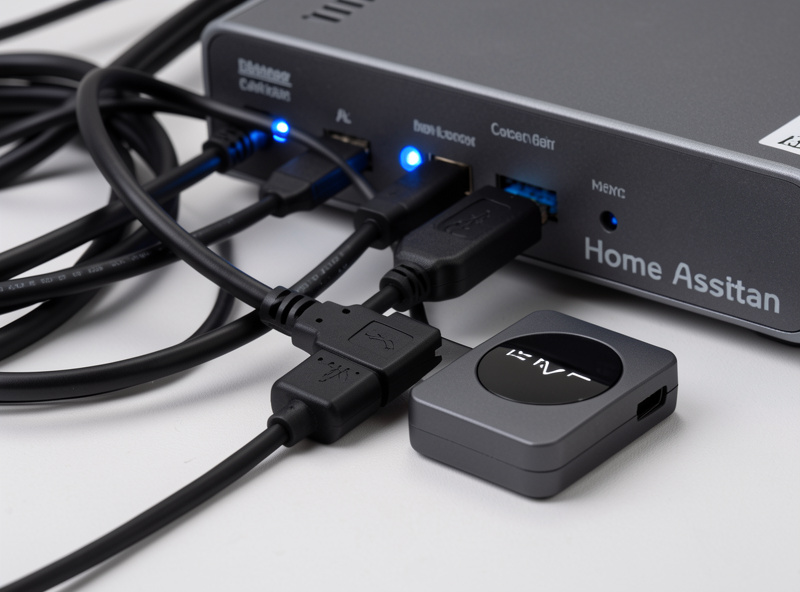
Three integration styles cover almost everything you’ll plug in. Cast/Chromecast and AirPlay 2 devices show up as players the hub can target directly over the LAN. Open streamers — anything that speaks UPnP/DLNA or runs Logitech Media Server / Music Assistant — give you grouping and queue control without a cloud account at all. And ecosystem speakers (Sonos, HEOS, Alexa, Google) integrate to varying degrees, with Sonos and HEOS exposing genuinely useful local control and the voice assistants mostly acting as input. If you’re still deciding how the radios underneath all this should be laid out, my smart home WiFi guide and the case for a separate IoT network are the foundation everything here sits on.
Multiroom audio: how the platforms compare
The platform you pick decides how painful grouping, latency, and “what happens when the cloud is down” will be for years. There is no universally best one — there’s the one that matches how local-control you want to be. Here is how the main routes stack up the way they actually behave in a running house, not on the box.
| Platform | Sync quality | Local control | Best for |
|---|---|---|---|
| Sonos | Excellent, tight sync | Partial (local API, cloud for some features) | Set-and-forget multiroom that “just works” |
| Denon HEOS | Very good | Partial, strong AV-receiver tie-in | People who also want a home-theater receiver |
| WiiM + AirPlay 2 | Good (AirPlay 2 groups) | High, cheap to add zones | Budget multiroom on existing speakers |
| Chromecast / Google | Good within a group | Medium, leans on Google cloud | Android-first homes already in the ecosystem |
| LMS / Music Assistant | Excellent, sample-accurate | Full local, no account | Self-hosters who want zero cloud |
If I were starting from nothing and wanted the least friction, Sonos is the honest answer for most people — the sync is tight and grouping is reliable. If I wanted maximum local control and didn’t mind running a server, Logitech Media Server (now community-maintained) or Music Assistant feeding cheap streamers is what I actually point fellow self-hosters toward. The full breakdown, including where each one falls apart, is in my best multiroom audio system guide and the head-to-head Sonos alternatives comparison.
Smart speakers vs proper speakers
A smart speaker and a good speaker are not the same purchase, and conflating them is how people end up disappointed. A smart speaker — an Echo, a Nest, a HomePod — is a microphone and a convenience that happens to make sound. It’s a fine input device and a fine kitchen-radio. It is not what you want carrying music in the room where you actually sit and listen.
In my house the voice speakers are scattered where I want hands-free control — kitchen, bathroom, workshop — and they’re treated as input, never as the backbone of the audio. The rooms that matter for listening get real speakers driven by a streamer or an amp. That split keeps the microphones useful without letting a cloud-only voice device sit in the critical path of my music. I go deeper on picking voice units for music in the smart speakers for whole-home music guide, and on the assistant trade-offs in Alexa vs Google Home and the broader smart home ecosystem comparison.
Entertainment: TV, streaming, and the remote problem
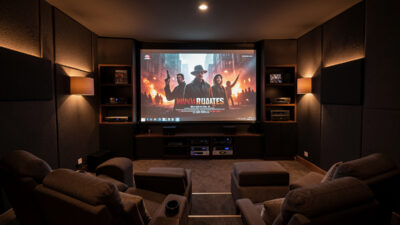
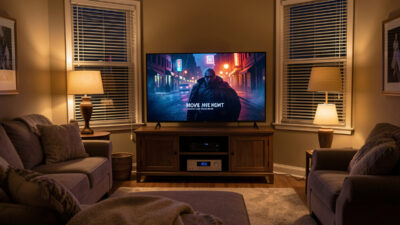
The other half of whole-home entertainment is the living-room stack: the TV, one or two streaming boxes, maybe a console, and an AV receiver. The smart-home win here isn’t a fancier remote — it’s deleting the remote as the thing you reach for. A “movie” scene that powers the TV, switches the receiver to the right input, dims the lights, and drops the blinds is worth more than any universal remote, because it’s a single tap or a single phrase instead of a sequence.
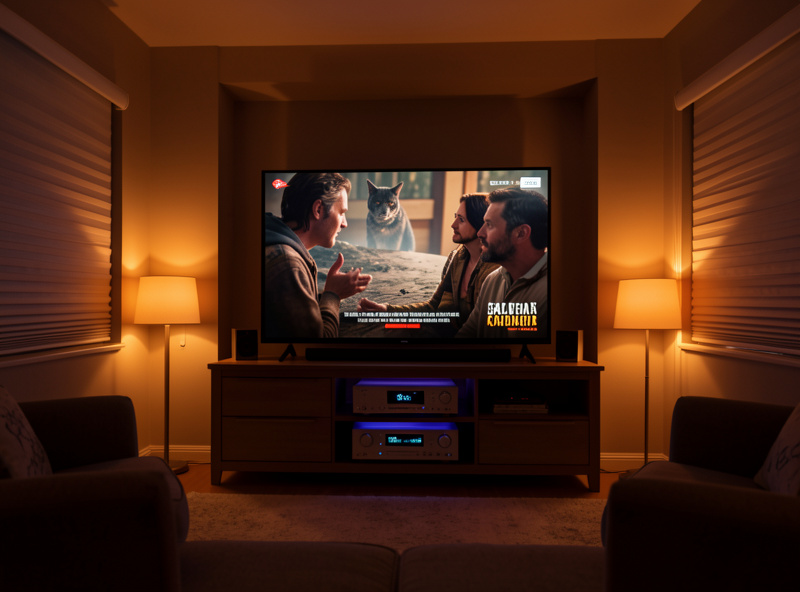
Most TVs and streamers can be controlled locally these days — Android TV and Google TV over the network, many smart TVs over their LAN control protocol, and almost anything via an IR blaster or an HDMI-CEC bridge for the stubborn devices. That local control is what lets a scene be reliable instead of “works when the app feels like it.” I walk through building those scenes in TV and streaming automation scenes, why universal remote alternatives usually beat buying another remote, and the full receiver-and-projector build in home theater smart home automation.
The automations that actually earn their keep
Cool demos age badly; useful automations are boring and you stop noticing them. The audio and entertainment routines that have survived years in my setup are the unglamorous ones. A few that consistently pay for themselves:
- Presence-aware music — kitchen radio follows me in via an mmWave presence sensor, not a motion trip, so it doesn’t cut out while I stand still chopping vegetables. The difference between PIR and true presence is the whole reason this works, which is why I lean on proper presence sensors rather than guessing from a phone joining the WiFi.
- “Everyone left” mute — when the last presence sensor clears and the door locks, every zone stops. No more discovering a speaker has been playing to an empty house for six hours.
- Wind-down scene — late evening drops every zone’s volume ceiling and shifts the living room to warm light, so a late film never blasts the bedroom wall.
- Doorbell duck — the doorbell briefly lowers music everywhere and announces who’s at the door through the nearest speaker, then restores the previous volume.
None of these need AI or a subscription. They need reliable local state — presence, door/lock status, and media-player state — and a hub that can read all of it. That’s the same toolkit behind every routine on my smart home automation guide and the practical list in smart home automation ideas.
Grouping, latency, and sync: the part nobody explains
Three technical things make or break a multiroom system, and the marketing never mentions them. Grouping is whether two zones can be yoked to play the same thing on demand and ungrouped just as easily — Sonos and AirPlay 2 do this well, cheap Bluetooth gear does not. Sync is whether those grouped zones stay sample-accurate so you don’t hear an echo walking between rooms; this is where Sonos and a properly configured Logitech Media Server shine and where ad-hoc Cast groups can drift on a congested network. Latency is the gap between a command and sound, and it’s the one local control fixes outright.
Latency is also why I keep audio control local rather than routing it through a cloud assistant. A “play kitchen radio” automation that talks straight to the streamer over the LAN fires in well under a second; the same request bounced to a manufacturer’s server and back is a noticeable pause, and it simply fails during an outage. If your groups drift or your speakers fall out of sync, the cause is almost always the network underneath, not the speakers — the same path problems that haunt every protocol, covered in range and interference problems and solved upstream by a clean mesh WiFi setup with audio gear on its own band.
What whole-home audio actually costs
The price range is enormous, and most of the spread is convenience versus effort rather than sound quality. You can put hub-controllable music in a room for the cost of a streamer plus a pair of speakers you may already own, or you can spend that several times over per room for a name-brand all-in-one that needs zero setup. Both can sound good; what you’re really buying at the top end is somebody else’s integration work.
Here’s how I’d frame the tiers honestly. A budget zone — a WiiM-class streamer feeding existing bookshelf speakers, grouped over AirPlay 2 — is the cheapest credible route and stays fully hub-controllable. A mid tier — one Sonos or HEOS speaker per room — costs more per zone but deletes the setup work and grouping headaches. A self-hoster tier — a server running Music Assistant or LMS feeding a mix of cheap streamers — has the highest setup effort and the lowest running cost, with no cloud account anywhere. The mistake is buying the expensive tier for rooms where music just needs to be present, like a bathroom or a workshop, where a cheap streamer is indistinguishable in practice.
One hub, the whole workshop
Here’s the crossover that no single-niche audio reviewer can give you, because it only shows up when the same hub runs everything. The rule engine that groups my speakers for a film is the same one that runs the grow-light schedules, kicks the sauna into its pre-heat, and holds the curing-chamber compressor in its deadband. Audio isn’t a separate kingdom with its own app — it’s just another set of entities on the brain that already runs the house.
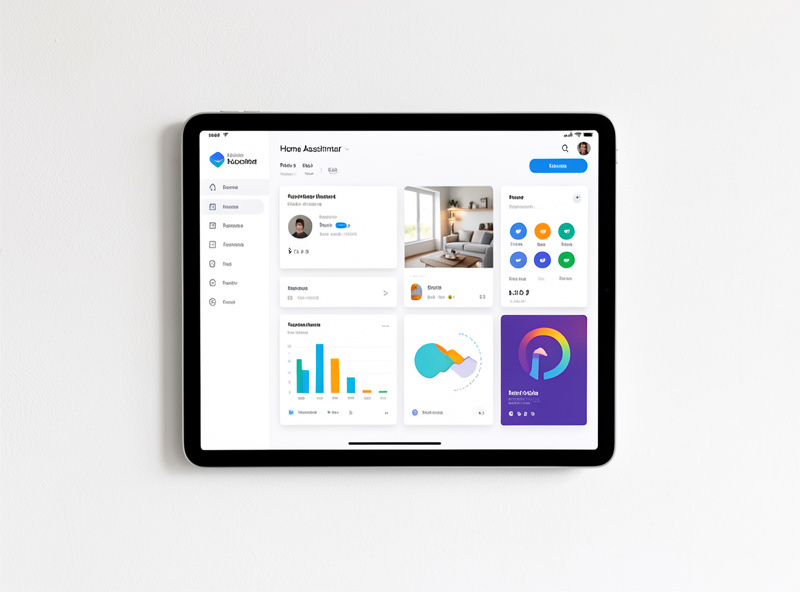
That matters in practice because it means audio can react to anything else the house knows. The shop music pauses when the dust extractor’s power-clamp shows it’s running, because the hub can see both. The evening listening scene and the sauna pre-heat routine share the same “winding down” trigger. The grow tent’s light schedule and the living-room movie scene live in the same automation file. Every project in the house that uses electricity is a candidate for the same engine, and audio is one of the most satisfying to fold in because you notice it every single day.
Privacy, local control, and surviving an outage
The test I apply to every audio purchase is simple: does it still work when the internet is down? A speaker that needs the manufacturer’s server to start a local playlist is a speaker that goes silent during an outage and ships your listening habits off-site the rest of the time. Cloud-only voice assistants are the obvious offenders, which is why mine are input-only and never load-bearing — the automation behind the voice command runs locally whether the cloud answers or not.
You can’t make every device fully local, but you can keep the cloud out of the critical path. Run the streamers and the hub on the LAN, keep the chatty cloud devices on a segmented network, and make sure the automations that matter — the ones that turn audio on and off — depend only on things inside your house. My smart home VLAN setup and the broader question of whether a smart home works without internet cover exactly how to draw that line.
Where to start if you’re building this from scratch
Don’t buy a houseful of speakers on day one. Get the hub right first — a real machine, not an SD-card Pi you’re scared to reboot — then add one zone and live with it for a week before scaling. Decide early whether you’re going ecosystem-convenient (Sonos/HEOS) or self-hoster-local (LMS/Music Assistant), because mixing routes later means duplicate apps and grouping that won’t cross the boundary. If you don’t yet have a hub at all, do you need a smart home hub and the Home Assistant setup walkthrough are the right first reads, and what is Matter plus Zigbee vs Z-Wave vs WiFi explain the protocols the rest of the house will use.
For pure two-channel listening — the room where you sit down to actually hear the music rather than have it follow you around — the gear conversation goes deeper than a smart-home site should. When you reach that point, a dedicated source like HiFi Audio Source covers DACs, amps, and speakers at a level beyond automation. Everywhere else in the house, the streamer-and-hub approach here is what keeps the music reliable.
As an Amazon Associate I earn from qualifying purchases. A few links below point to current gear on Amazon where it saves you a search.
If you want a single component to start with, a network streamer such as a WiiM streamer turns existing speakers into a hub-controllable zone for the price of a takeaway dinner, and a basic voice speaker covers hands-free input in a kitchen without becoming load-bearing.
Frequently Asked Questions
Do I need a hub for whole-home audio?
Not strictly, but you should want one. Platforms like Sonos can group speakers on their own, but a local hub like Home Assistant is what ties audio to presence, doors, and lights so music becomes part of automations instead of a separate app. Without a hub you have speakers; with one you have a system.
What is the best whole-home audio system in 2026?
For most people Sonos is the lowest-friction choice with tight sync. Self-hosters who want zero cloud get better local control from Logitech Media Server or Music Assistant feeding cheap streamers. Budget builds use WiiM plus AirPlay 2 on existing speakers. The right answer depends on how local-control you want to be.
Can smart home audio work without the internet?
The local parts can. Streamers, a self-hosted hub, and AirPlay or Cast grouping keep working on the LAN during an outage. Cloud-only voice assistants and any streaming service obviously need the internet for the content itself, but the automations that turn audio on and off should run locally so the house never goes fully silent.
Are smart speakers good enough for serious listening?
No, and that is not their job. An Echo, Nest, or HomePod is a microphone and a kitchen-radio that happens to make sound. For rooms where you actually sit and listen, use real speakers driven by a streamer or amp, and keep the smart speakers as voice input scattered where hands-free control is useful.
How do I control my TV and receiver from a smart home hub?
Most modern TVs and streamers expose local network control, Android and Google TV integrate directly, and stubborn devices can be reached over HDMI-CEC or an IR blaster. Once the hub can see them, you build scenes that power on the TV, switch the receiver input, and set the lights in one tap rather than juggling remotes.
Is Sonos worth it or are the alternatives better?
Sonos earns its price on reliability and grouping if you want set-and-forget multiroom. If you care more about local control, lower cost per zone, or avoiding cloud accounts, alternatives like WiiM with AirPlay 2 or a self-hosted Music Assistant setup deliver most of the experience for less, at the cost of more setup effort.
Related Guides
This hub anchors the whole-home audio and entertainment cluster. Build out from here:
- Best Multiroom Audio System 2026 — every platform compared in depth
- Smart Speakers for Whole-Home Music — picking voice units that don’t become load-bearing
- TV and Streaming Automation Scenes — delete the remote with scenes
- Universal Remote Alternatives — why a scene beats another remote
- Home Theater Smart Home Automation — the full receiver-and-projector build
- Sonos vs Alternatives for Multiroom — the honest head-to-head
- Voice Assistants & Smart Home Protocols — the layer underneath it all