Smart Refrigerator Integration with Home Assistant
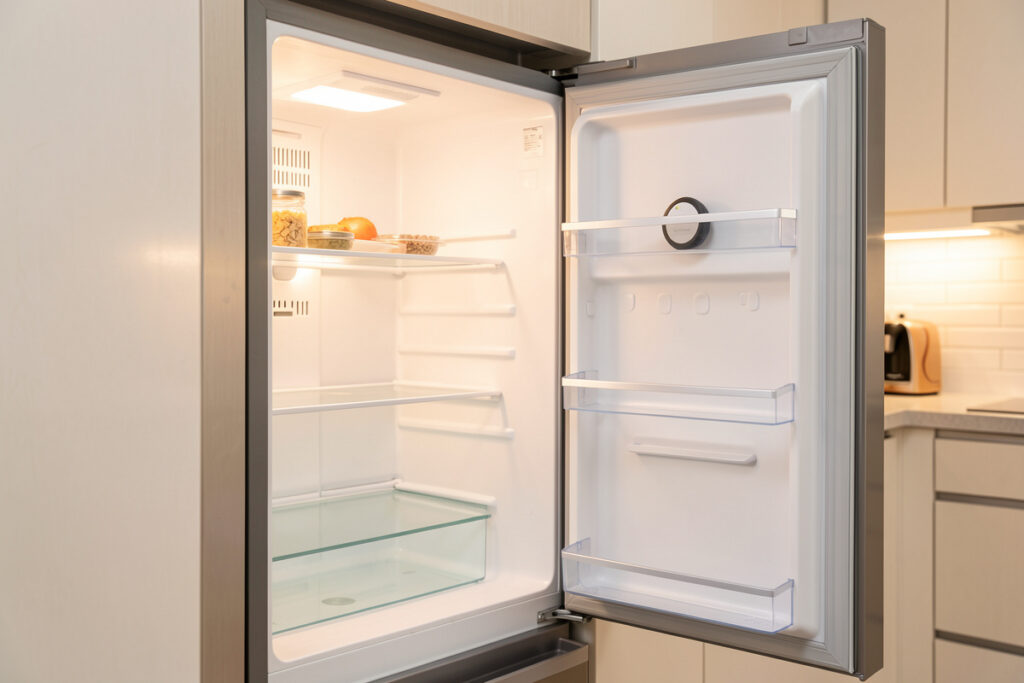
Smart refrigerator integration with Home Assistant is the one appliance project you do for safety, not convenience — and you almost never do it through the fridge’s own “smart” features. In my setup the fridge integration is three cheap sensors, not a touchscreen: a temperature probe inside the compartment, a leak sensor underneath, and a power-draw watch on the circuit. If the box climbs past 7 °C for 20 minutes or the compressor stops drawing power, the hub alarms before a freezer of food spoils.
I run a local-first Home Assistant install, and the fridge taught me the clearest rule in appliance automation: never switch it, only watch it. A refrigerator on a toggleable plug is a spoiled-food incident waiting to happen. But a refrigerator wrapped in good sensors is one of the most genuinely protective automations in the house — it has caught a failing door seal and a tripped breaker for me long before the milk turned. Here is how I integrate one properly.
Why you integrate a fridge through sensors, not its app
A connected refrigerator’s built-in features — inventory cameras, touchscreen, app — are the part you should ignore, because they are cloud-bound, abandoned within a few years of firmware updates, and useless when the internet is down. The integration that matters is the layer Home Assistant builds around the fridge from generic local sensors, which keeps working regardless of the appliance’s brand or its server status.
This is the local-first case in its purest form: the data you need to protect food is temperature, power, and moisture, and all three are available from $15 Zigbee sensors that report straight to your hub. The fridge’s own brain gets no vote. I make the same argument across the smart home appliance automation hub, and for the broader local-versus-cloud device picture see best smart home appliances with local control.
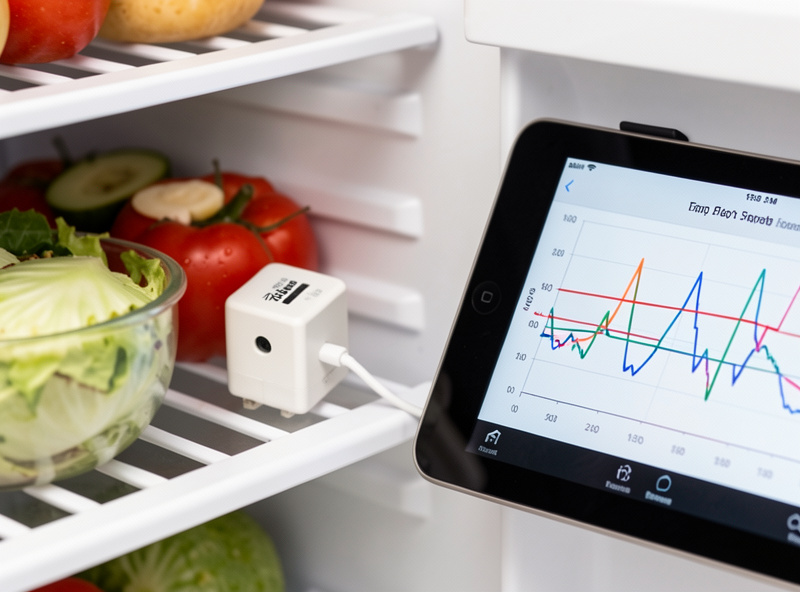
The three-sensor stack I run on every fridge
The temperature sensor is the heart of it. I put a small Zigbee temperature/humidity sensor inside the fridge compartment and a second in the freezer, and the hub graphs both continuously. A healthy fridge cycles between roughly 2 °C and 5 °C; a freezer holds near -18 °C. That lines up with FoodSafety.gov, which puts the safe refrigerator ceiling at 4 °C (40 °F). The alarm rule is simple: fridge above 7 °C for more than 20 minutes, or freezer above -12 °C for more than 20 minutes, fires a high-priority local alert. The 20-minute delay stops a normal defrost cycle or a long door-open from crying wolf.
The second sensor is a leak detector under and behind the unit — refrigerators have water lines for ice and a defrost drain that can clog and overflow. The third is power monitoring on the circuit, which catches the failure that temperature alone is slow to see: a compressor that has stopped drawing power means the fridge is dead now, not warming gradually. Together they cover the three ways a fridge fails. The sensor hardware is covered in the best smart home sensors, and the in-fridge temperature probe specifically in the smart temperature sensor guide.
| Sensor | What it catches | Alarm rule I use | Radio |
|---|---|---|---|
| Fridge temp probe | Door left ajar, seal failure, slow warming | > 7 °C for 20 min | Zigbee |
| Freezer temp probe | Thaw, defrost fault | > -12 °C for 20 min | Zigbee |
| Power watch | Compressor dead, tripped breaker | Draw = 0 W for 10 min | Zigbee plug / clamp |
| Leak sensor | Ice-line drip, defrost-drain overflow | Wet = instant alarm | Zigbee |
| Door contact (optional) | Door left open | Open > 3 min | Zigbee |
Getting the sensors into Home Assistant
All four sensors join the same Zigbee mesh I run for the rest of the house, paired through Zigbee2MQTT on a dedicated coordinator stick — no fridge-specific integration needed, because they are generic devices. Once paired, each shows up as an entity I rename to the house scheme: kitchen_fridge_temp, kitchen_fridge_power, kitchen_fridge_leak. Consistent naming is what keeps the alarm automations readable when you have a dozen appliance entities.
If your fridge genuinely exposes local control — some newer Matter appliances do — Home Assistant will pull it in through the Matter integration over Thread, and you can read its native temperature too. But I treat that as a bonus on top of my own sensors, never a replacement, because a manufacturer’s cloud-tied reading can vanish in a firmware update while my Zigbee probe keeps reporting. The protocol background is in what Matter actually is and Zigbee vs Z-Wave vs Wi-Fi.
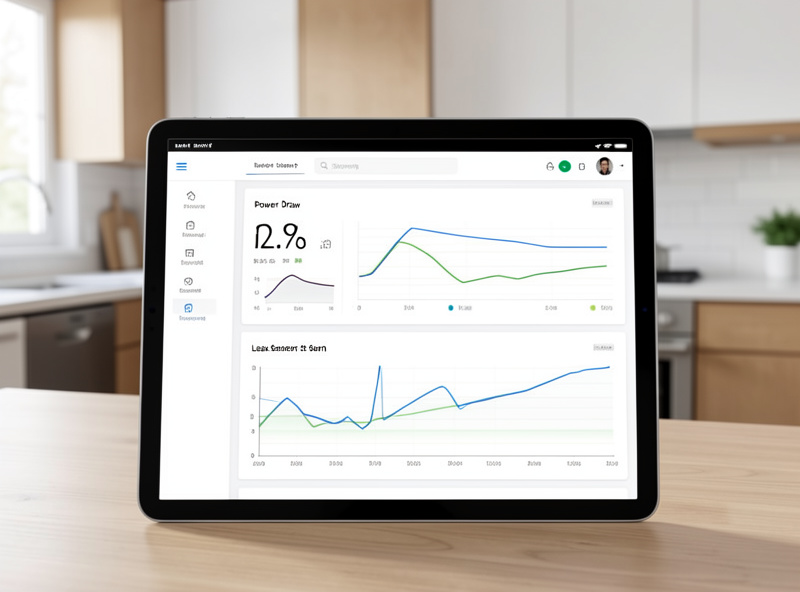
The alarms that actually save food
A fridge alarm has to be loud, escalating, and impossible to miss, because the cost of ignoring it is a hundred dollars of spoiled food. My fridge alerts are high-priority and bypass do-not-disturb, repeat every 10 minutes until acknowledged, and escalate to a second household member if the first does not respond within 20 minutes. This is the opposite of a laundry “done” nag — here you want it to be annoying.
The power-loss alarm is the one that has earned its keep most. When a breaker trips or the compressor fails, temperature drifts up over hours, but the power draw drops to zero instantly — so watching watts gives you the earliest possible warning. The FDA treats refrigerated food as unsafe after roughly four hours above 4 °C, so the earlier the alert, the more of the fridge you save. The whole stack runs locally, which is non-negotiable for a safety alarm: it has to fire when the internet is down, because that is exactly when a storm-related power blip is most likely. For reading appliance power curves in general, see smart appliance energy monitoring.
What I never do with a fridge
I never put a refrigerator on a smart plug I might switch, never automate it into an “everything off when away” routine, and never let a critical fridge alarm depend on a cloud service. Those three rules have no exceptions. The whole value here is monitoring; the moment a fridge plug becomes switchable, someone — or a misfiring automation — eventually turns it off and ruins a freezer.
If you want power monitoring on the fridge circuit without any switching risk at all, use a clamp-based circuit monitor rather than an inline plug, so there is physically nothing to toggle. I keep every one of these devices on a segmented IoT network per the smart home VLAN guide, and the leak-and-valve approach mirrors what I do for the dishwasher in dishwasher smart plug automation.
As an Amazon Associate I earn from qualifying purchases. The whole stack is cheap: a Zigbee fridge temperature sensor and a Zigbee leak sensor cover the two failure modes that cost the most.
Frequently Asked Questions
How do I integrate my refrigerator with Home Assistant?
Through generic local sensors, not the fridge’s own app. Pair a Zigbee temperature probe inside the compartment, a leak sensor underneath, and a power monitor on the circuit. Home Assistant reads all three over your Zigbee mesh with no fridge-specific integration needed.
Can I control my refrigerator with a smart plug?
Monitor it, never switch it. A refrigerator on a toggleable plug is a spoiled-food incident waiting to happen. Use a clamp-based circuit monitor for power data so there is physically nothing to accidentally turn off.
What temperature should trigger a fridge alarm?
A high-priority alert when the fridge stays above 7 C for more than 20 minutes, or the freezer above -12 C for 20 minutes. The 20-minute delay prevents normal defrost cycles and long door-opens from firing false alarms.
Why monitor the fridge’s power draw?
Because it gives the earliest warning. When a breaker trips or the compressor dies, temperature drifts up slowly over hours, but power draw drops to zero instantly. Watching watts alerts you before the food has a chance to warm.
Will the fridge alarms work during an internet outage?
Yes, if they run locally on your hub reading local Zigbee sensors. That is essential, because storm-related power blips are exactly when the internet is most likely to be down and a cloud-dependent alarm would fail.
Related Guides
- Smart Home Appliance Automation (hub)
- Dishwasher Smart Plug Automation
- Smart Appliance Energy Monitoring
- Best Smart Home Sensors
- Best Smart Home Appliances with Local Control