Best Smart Home Appliances with Local Control
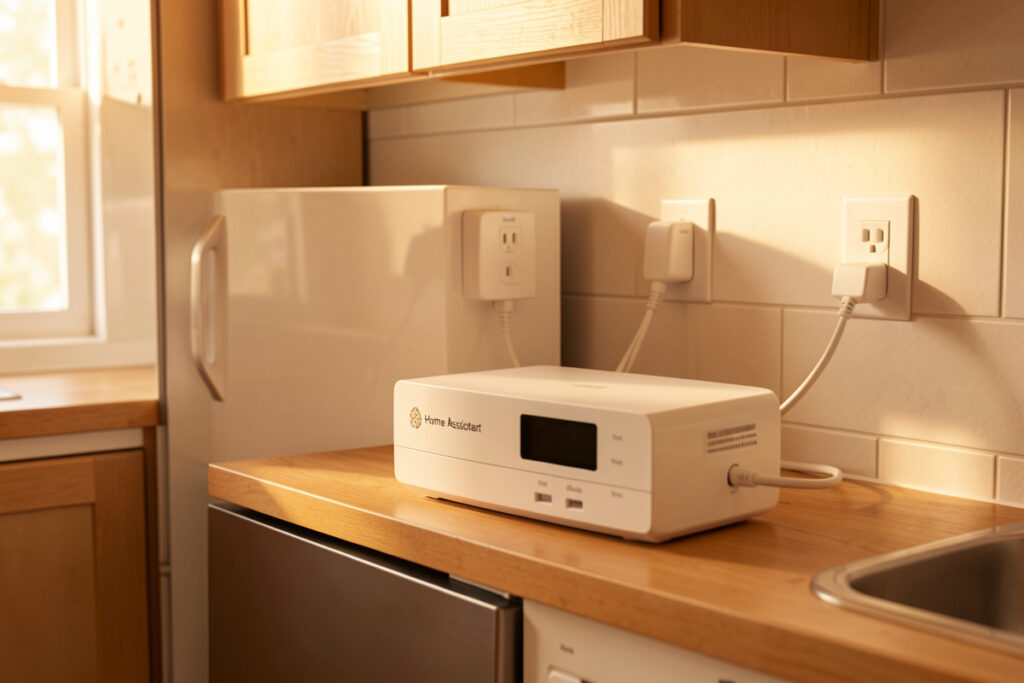
The best smart home appliances with local control are mostly not “smart appliances” at all — they are dumb appliances paired with a local energy plug, relay, or sensor that answers to your hub instead of a vendor cloud. In my setup the test is one question: does it still work when the internet is down? A $15 Zigbee plug behind a dumb dishwasher passes; a $900 Wi-Fi fridge whose features route through a server that may not exist in three years does not. This is the local-first shortlist I actually run and recommend.
I have run a local-first Home Assistant install for years and migrated across every radio, and the pattern is always the same: the appliances worth owning are the ones that expose a local interface — Zigbee, Z-Wave, Matter-over-Thread, or a plug you control directly — and ignore the ones whose intelligence lives on someone else’s server. Below is how I rank the categories, the specific local-control building blocks, and a comparison of what to buy versus what to skip.
Why local control is the only spec that matters
Local control means the device is read and commanded entirely by your hub, with no round-trip to a manufacturer’s cloud, so it responds in under a second and keeps working during an outage. Cloud-dependent appliances add latency on a good day and simply stop on a bad one, and their “smart” features get sunset on the vendor’s schedule — the connected appliance you paid a premium for goes dumb in a firmware update you did not ask for.
That is why my buying advice inverts the marketing: the cheapest, most local building block usually beats the expensive connected appliance. A dumb machine plus a local plug is reliable, private, and migrates to the next machine for free. This is the through-line of the entire smart home appliance automation hub, and the device-protocol background is in what Matter actually is and Zigbee vs Z-Wave vs Wi-Fi.
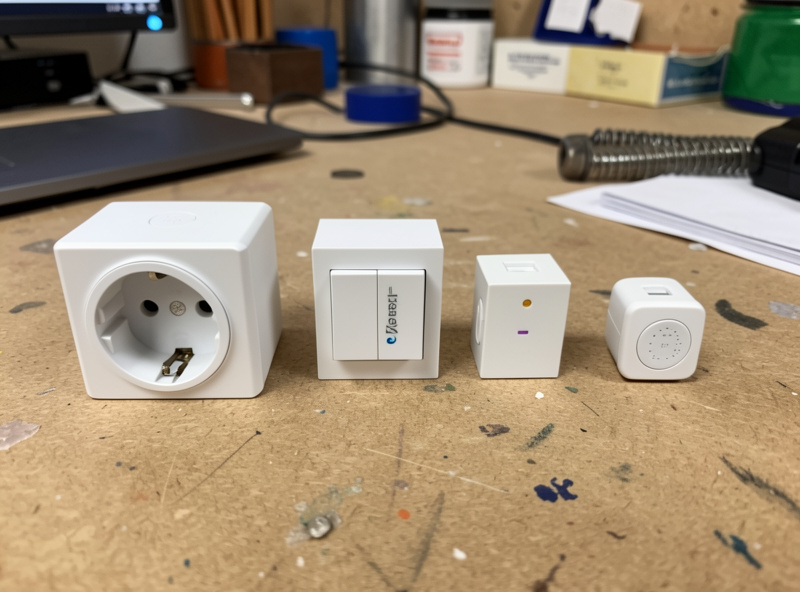
The building blocks worth buying first
Start with energy-reporting smart plugs on a mesh radio — they are the single best value in the house, turning any plug-in appliance into a local sensor for about $15. Next, in-wall relays behind your existing dumb switches, which keep the physical switch working while adding local control to lighting and small fixed loads. Then the sensor layer: temperature, leak, contact, and presence sensors that give the hub something to reason about.
These three categories cover ninety percent of useful appliance automation without buying a single “smart appliance.” The plug-versus-switch decision is in smart plug vs smart switch, whether the category earns its place in are smart plugs worth it, and the models with clean local control in best smart plugs and best smart home sensors. For DIY nodes where nothing off-the-shelf fits, ESPHome devices are local by definition — see ESP32 and ESPHome DIY sensors.
| Appliance / device | Local-control approach | Verdict | Why |
|---|---|---|---|
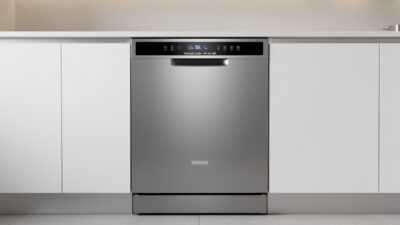
| Dishwasher | Dumb unit + energy plug | Buy dumb | Plug reads the cycle; no cloud needed |
| Washer / dryer | Dumb unit + energy plug/relay | Buy dumb | Done-alerts and off-peak from watts |
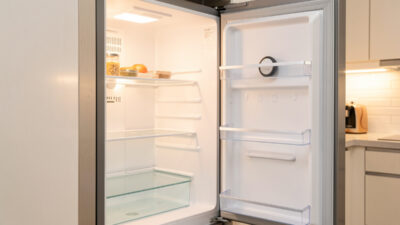
| Refrigerator | Dumb unit + temp/leak/power sensors | Buy dumb | Safety monitoring beats a touchscreen |
| Lighting | In-wall relay / smart switch | Local-first buy | Physical switch keeps working |
| Robot vacuum | Locally-controllable / de-clouded model | Buy selectively | Many phone home; pick one that does not |
| Connected “smart” fridge | Cloud app features | Skip the features | Sunset on the vendor’s schedule |
Appliances: buy dumb, add local sensing
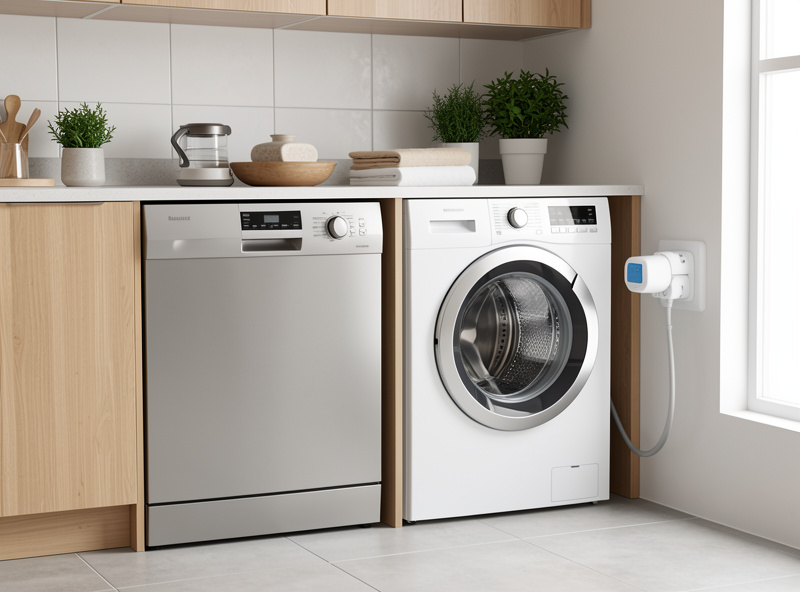
For the big four — dishwasher, washer, dryer, fridge — buy the most reliable dumb model you can and add local sensing. A dishwasher gets an energy plug for cycle detection; the laundry pair gets energy plugs or a relay for done-alerts and off-peak scheduling; the fridge gets a temperature, leak, and power stack for safety. None of this needs the appliance to be connected, and all of it survives an outage.
The per-appliance builds are covered in dishwasher smart plug automation, smart washer dryer automation, and smart refrigerator integration with Home Assistant. The one appliance where you switch nothing and only monitor is the oven — see smart oven plug timing automation for the safety reasoning. The data layer underneath all of it is smart appliance energy monitoring.
Robot vacuums and the de-cloud question
Robot vacuums are the category where local control is hardest to get and most worth fighting for, because a mapping vacuum builds a floor plan of your home that you do not want leaving the house. The best ones either support local control natively or can be de-clouded so they answer to your hub instead of the manufacturer. A locally-controlled vacuum integrates cleanly into “everyone left, start cleaning” routines without phoning home.
I learned this the hard way: an early mapping vacuum I bought lost its scheduling the day its cloud hiccupped, and the floor plan it had built was useless to me locally — I returned it and only buy de-cloudable models now. If a vacuum cannot be controlled locally and refuses to function without its app, I treat that as a reason to pick a different model, not a quirk to tolerate. The same logic applies to any appliance that holds a map, a camera feed, or a microphone: local or nothing. Cameras in my house record to a local pipeline with no cloud subscription, and the network segmentation that keeps all of this contained is in the smart home VLAN guide.
What to skip, and what a hub buys you
Skip the touchscreen fridges, the Wi-Fi-only appliances with no local API, and anything whose headline feature is an app rather than a function. They cost more, do less that lasts, and become e-waste features the moment the vendor moves on. The premium you pay for “connected” is usually a premium for a dependency you do not want.
What ties the local-control building blocks together is a hub you control — for me, Home Assistant on a small local box, not an SD-card Pi I am afraid to reboot. The hub is what turns a pile of plugs and sensors into automations that survive an outage, and it is the one purchase that makes everything else worth buying. Whether you need one and which to pick is in do you need a smart home hub and running Home Assistant on a Raspberry Pi. Buy dumb appliances, add local sensing, run a local hub, and you end up with a smart home that answers to you instead of a server farm.
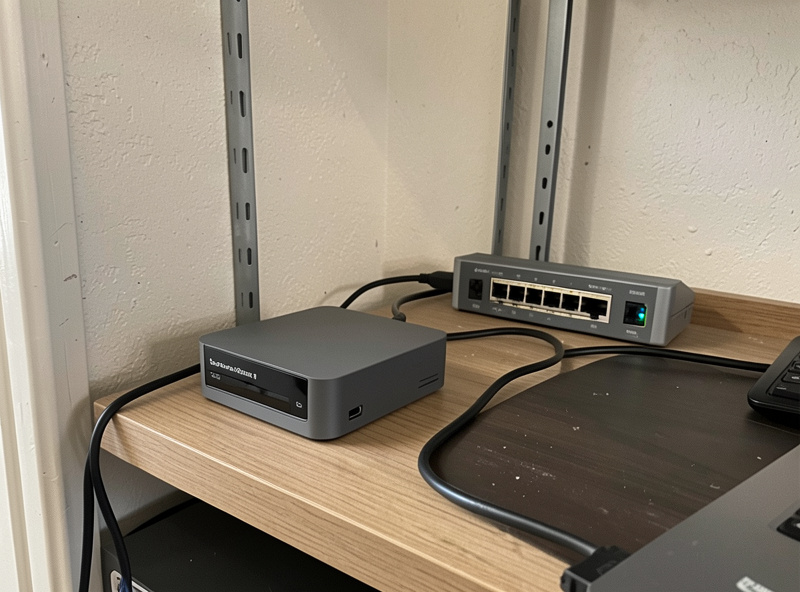
As an Amazon Associate I earn from qualifying purchases. The first three things I would buy are an energy-monitoring Zigbee plug, an in-wall relay, and a local Home Assistant hub.
Frequently Asked Questions
What makes a smart home appliance local-control?
The device is read and commanded entirely by your hub with no round-trip to a manufacturer’s cloud. It responds in under a second and keeps working during an internet outage. Local interfaces include Zigbee, Z-Wave, Matter-over-Thread, or a plug you control directly.
Are smart appliances worth buying, or should I buy dumb ones?
For dishwashers, washers, dryers and fridges, buy the reliable dumb model and add a local energy plug or sensor. It is cheaper, survives outages, and migrates to the next appliance. Connected appliance features get sunset on the vendor’s schedule.
What are the first local-control devices to buy?
Energy-reporting smart plugs on a mesh radio, in-wall relays behind your existing switches, and a sensor layer of temperature, leak, contact and presence sensors. These three categories cover most appliance automation without a single smart appliance.
Why avoid Wi-Fi-only smart appliances?
Wi-Fi-only appliances with no local API depend on a vendor cloud that adds latency, fails during outages, and can disappear in a firmware update. A dumb appliance plus a local Zigbee or Z-Wave device gives you control that does not expire.
Can a robot vacuum be local-control?
The best ones support local control natively or can be de-clouded so they answer to your hub. This matters because a mapping vacuum builds a floor plan of your home. If a model refuses to work without its cloud app, choose a different one.
Do I need a hub for local-control appliances?
Yes. A hub you control, such as Home Assistant on a small local box, is what turns plugs and sensors into automations that survive an outage. It is the single purchase that makes every other local-control device worth buying.
Related Guides
- Smart Home Appliance Automation (hub)
- Smart Appliance Energy Monitoring
- Smart Refrigerator Integration with Home Assistant
- Best Smart Plugs
- Do You Need a Smart Home Hub?