Smart Washer & Dryer Automation: Never Forget a Load
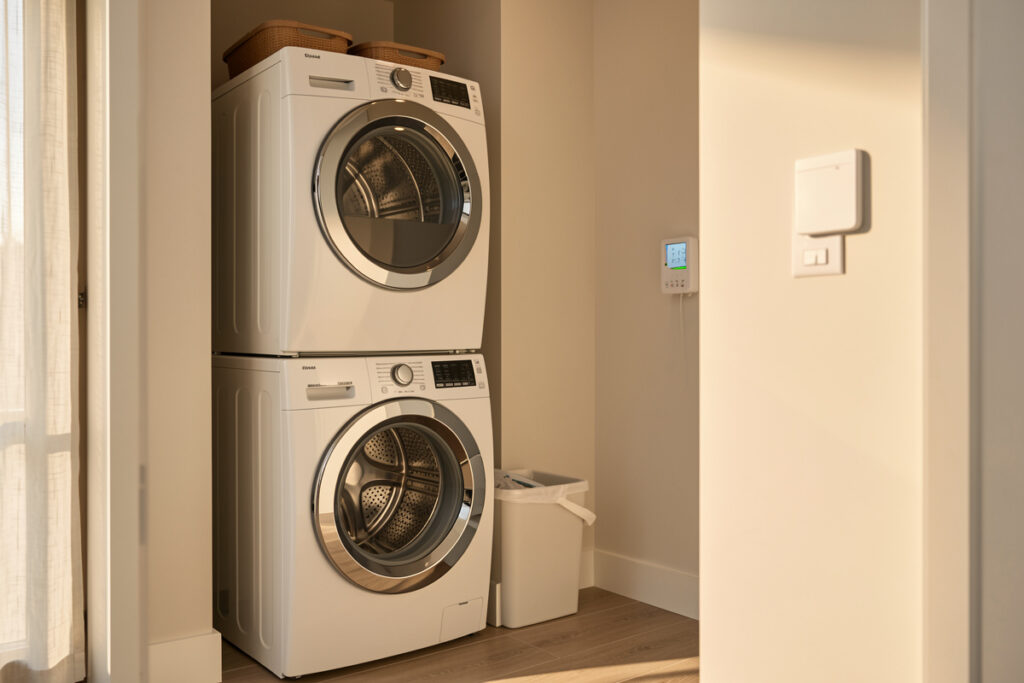
Smart washer and dryer automation is the single best argument for automating appliances at all: an energy-reporting plug on each machine lets the hub catch the one failure everyone knows — forgotten wet laundry going sour in the drum. In my setup the washer reports “done” only when nobody is in earshot, then nags every 30 minutes until the lid opens. No new machine required; a $15 plug and the right power thresholds do the whole job.
I run this on a local-first Home Assistant install, and the laundry pair was one of my earliest builds because the payoff is immediate and the wiring is trivial. Neither machine needs to be “smart.” A dumb top-loader and a dumb condenser dryer become fully legible to the hub the moment you can see their power curves. This is the exact recipe I use, the thresholds that actually work, and the mistakes that caused false alerts before I dialed them in.
Why a plug beats a smart washing machine
An energy plug turns any washer or dryer into a state sensor for a fraction of the price of a connected machine, and it never depends on a vendor cloud that gets sunset. A connected washer routes its “cycle done” push through the manufacturer’s servers — laggy on a good day, dead during an outage — while a local plug feeding my hub fires the same notification in under a second with no internet at all.
The deeper reason is longevity. When I eventually replace a machine, the plug and every automation built on it move to the new one unchanged; a connected washer’s app features expire on the vendor’s schedule, not mine. This is the core local-first case I make across the whole site, and the appliance-wide version lives in the smart home appliance automation hub. For the plug-category basics, see are smart plugs worth it and smart plug vs smart switch.
Sizing the plug: never undersize a dryer
A washing machine peaks around 2,000-2,200 W on the heater and idles near 1-3 W; a tumble dryer climbs to 2,000-3,000 W on its element and holds there for most of the cycle. That continuous high draw is the trap — a cheap plug rated for a lamp will overheat behind a dryer. An overloaded receptacle or undersized cord is a known fire path the Electrical Safety Foundation International flags. I use plugs rated for the full continuous current of the machine, and for a hardwired or 16 A-plus dryer I switch to an in-wall relay or have the relay drive a contactor instead of a countertop plug.
The washer is gentler on the plug but still deserves a properly rated one. The high-draw math here is identical to the logic in the smart plug for a space heater guide — size for the peak, not the average, and respect inrush current from the motor. Monitoring only, never switching: you do not want the hub cutting power mid-cycle and leaving a drum full of soaked, soapy laundry.
The running and finished thresholds that actually work
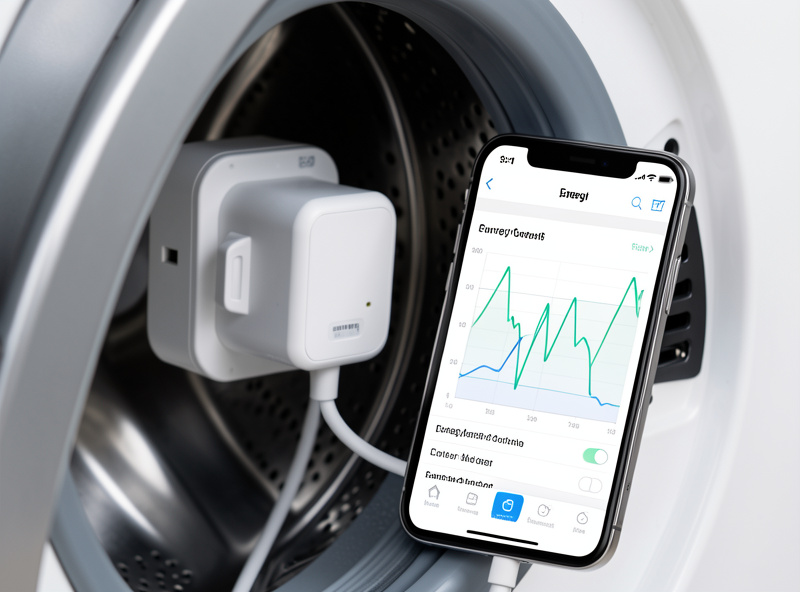
Every laundry automation rests on two numbers per machine: a running threshold and a finished-debounce. My washer counts as running above 15 W; it counts as finished only after power stays under 5 W for three full minutes. The three-minute debounce is the part beginners skip — washers pause between fill, wash, and spin, and a naive “power dropped to zero, send done” rule will fire three false alerts per load.
The dryer gets its own pair: running above 100 W, finished after two minutes under 10 W. Dryers have a cool-down tumble at the end, so I watch for the element draw to vanish rather than the motor. I build these as template binary sensors named laundry_washer_running and laundry_dryer_running — consistent naming keeps the automations readable and makes adding a second machine a copy-paste. Watch your own machines for a cycle or two on an energy graph before you commit to numbers; every model’s curve is slightly different. The full method for reading appliance curves is in smart appliance energy monitoring.
| Setting | Washing machine | Tumble dryer |
|---|---|---|
| Peak draw | 2,000-2,200 W | 2,000-3,000 W |
| Idle/standby | 1-3 W | 2-5 W |
| Running threshold | > 15 W | > 100 W |
| Finished debounce | < 5 W for 3 min | < 10 W for 2 min |
| Switch the load? | No — monitor only | No — monitor only |
| Best radio | Zigbee / Z-Wave | Z-Wave / relay+contactor |
Notifications that fire at the right person
A done-alert is only useful if it reaches someone who can act and stays quiet when they cannot. I drive laundry notifications off real presence, not “a phone joined the Wi-Fi,” which is laggy and lies when a phone sleeps. If the washer finishes and the utility room shows occupancy, no alert — someone is right there. If the house is empty, the hub holds the alert and fires it once when a person returns and is detected inside.
The pattern is escalate-then-clear: notify once, re-notify every 30 minutes, and clear automatically when a contact sensor on the lid or door proves the laundry was pulled. Built this way, the alert earns trust instead of getting muted. The presence side relies on good sensors — see the best smart home sensors — and the rule lives entirely on the local hub, which is why it survives an outage.
Off-peak scheduling without switching the machine
If you are on a time-of-use tariff, running the dryer in the cheap overnight window is real money — a dryer is one of the hungriest loads in the house. ENERGY STAR rates clothes dryers among the larger energy users in a typical home, so shifting that one load off-peak moves the needle most. The right way to do this is the machine’s own delay-start timer, not the smart plug: you load it, press delay, and the appliance starts itself on the cheap rate. The hub’s job is to remind you to load-and-delay before bed, and to confirm the cycle actually ran overnight by watching the power curve.
I never schedule a wash by cutting and restoring power — that risks a half-finished cycle and a machine that does not resume cleanly. Let the appliance manage its own start; let the hub manage the reminders, the verification, and the off-peak nudge. For the wider energy picture across every circuit, the whole-home energy monitor vs smart plugs comparison covers when per-plug data is enough and when you want panel-level clamps.
Radio choice in a metal-box, motor-heavy room
Laundry rooms are RF-hostile — metal machines, motors, often a concrete-walled basement — so I keep these plugs on a mesh radio, not Wi-Fi. Zigbee and Z-Wave plugs relay through every other mains-powered node, so the dryer plug routes through the nearest repeater instead of fighting for a weak access-point signal. Wi-Fi plugs each hold their own connection and are the first to drop when the band is crowded or the room is far from the router.
I run the washer plug on Zigbee for fast, frequent power reporting and the dryer on Z-Wave where the run is longer and wall-buried. Keep the Zigbee coordinator away from USB-3 ports and the microwave, or you will lose exactly the nodes you most want reliable — the why is in Zigbee range and interference problems. The full radio decision is in Zigbee vs Z-Wave vs Wi-Fi, and I keep all of it on a segmented IoT network per the smart home VLAN guide.
As an Amazon Associate I earn from qualifying purchases. For the laundry pair I would start with a properly rated 15 A energy-monitoring smart plug rather than anything that ships inside the machine.
Frequently Asked Questions
Can I automate a regular washer and dryer without buying smart ones?
Yes. An energy-reporting smart plug on each machine lets the hub read the power curve and detect running versus finished states. A dumb washer and dryer become fully automatable for about $15 each, with no vendor cloud to expire.
What power threshold means the wash cycle is done?
For most washers, treat power under 5 W for three continuous minutes as finished. The three-minute debounce matters because washers pause between fill, wash and spin, and a naive zero-power rule fires several false done alerts per load.
Should I cut power to schedule my dryer for off-peak rates?
No. Use the machine’s own delay-start timer so it begins on the cheap overnight rate, and let the hub remind you to load and delay. Cutting and restoring power risks a half-finished cycle that may not resume cleanly.
Why not use a Wi-Fi smart plug in the laundry room?
Laundry rooms are RF-hostile with metal machines and motors. Zigbee and Z-Wave plugs mesh through other mains-powered nodes and stay reliable, while Wi-Fi plugs hold their own connection and drop first when the band is crowded.
How do I stop laundry alerts from being annoying?
Drive them off real presence and use escalate-then-clear. Only alert when nobody is in earshot, re-notify every 30 minutes, and clear automatically when a contact sensor on the lid or door proves the laundry was removed.
Related Guides
- Smart Home Appliance Automation (hub)
- Dishwasher Smart Plug Automation
- Smart Appliance Energy Monitoring
- Whole-Home Energy Monitor vs Smart Plugs
- Zigbee vs Z-Wave vs Wi-Fi